
View an Asset's Components
To view any components associated with a parent asset, go to the My Assets Page in the Assets Module on the Main Menu. Use the filters as needed to identify the assets whose components you wish to view. Click the three-dot icon to the right of the asset's title opening a context menu.
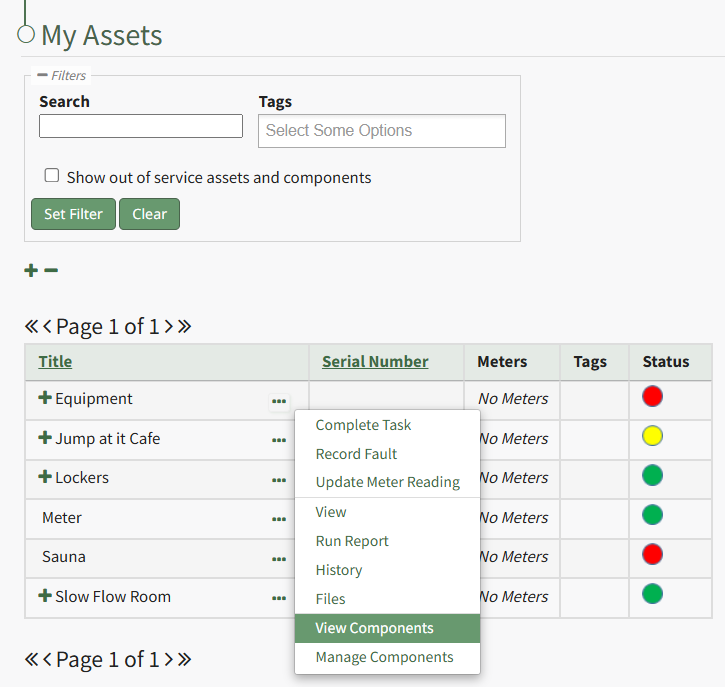
Select "View Components" from the context menu opening the Asset Component Page.
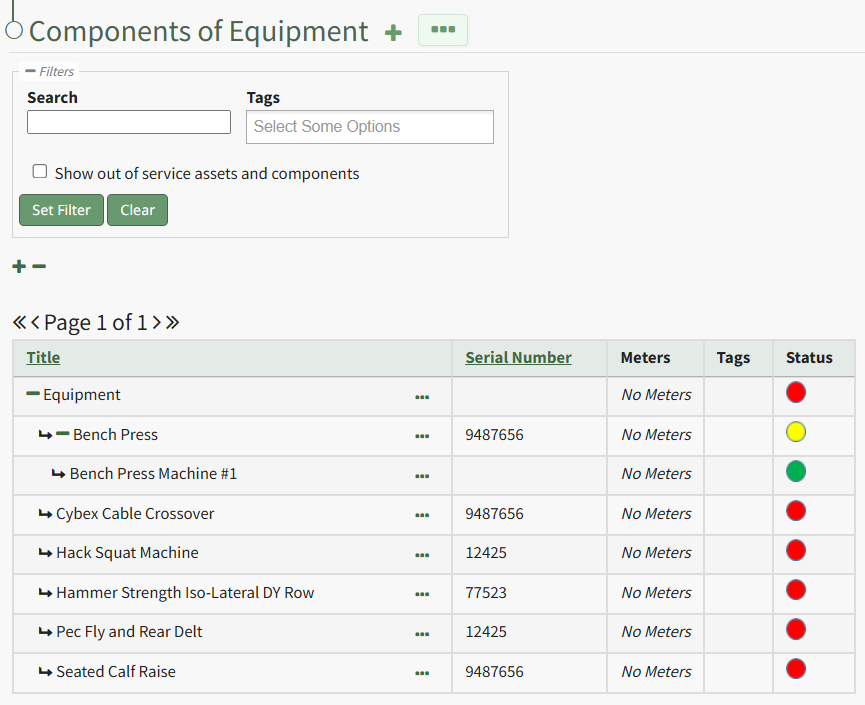
An expanded view of all asset components will now be visible in the Asset Component Table.
No comments to display
No comments to display