
Delete a QR Code
To delete a QR Code, open the QR Page in the Communications Module from the Main Menu.
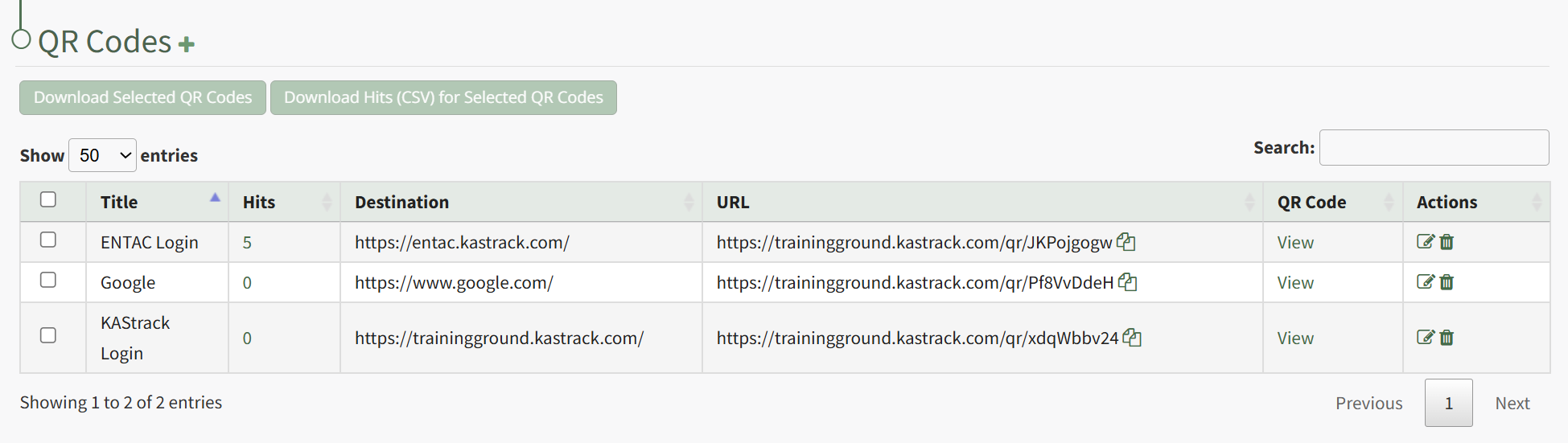
Click the trashcan icon in the Actions Column to the right of the QR Code you wish to delete.
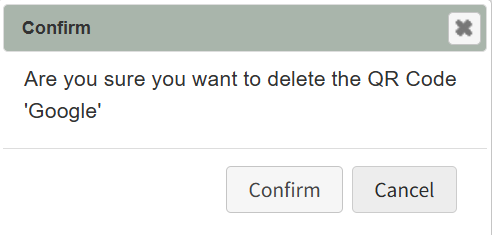
This opens the QR Code Deletion Confirmation Modal, which states "Are you sure you want to delete the QR Code?" Click Confirm.
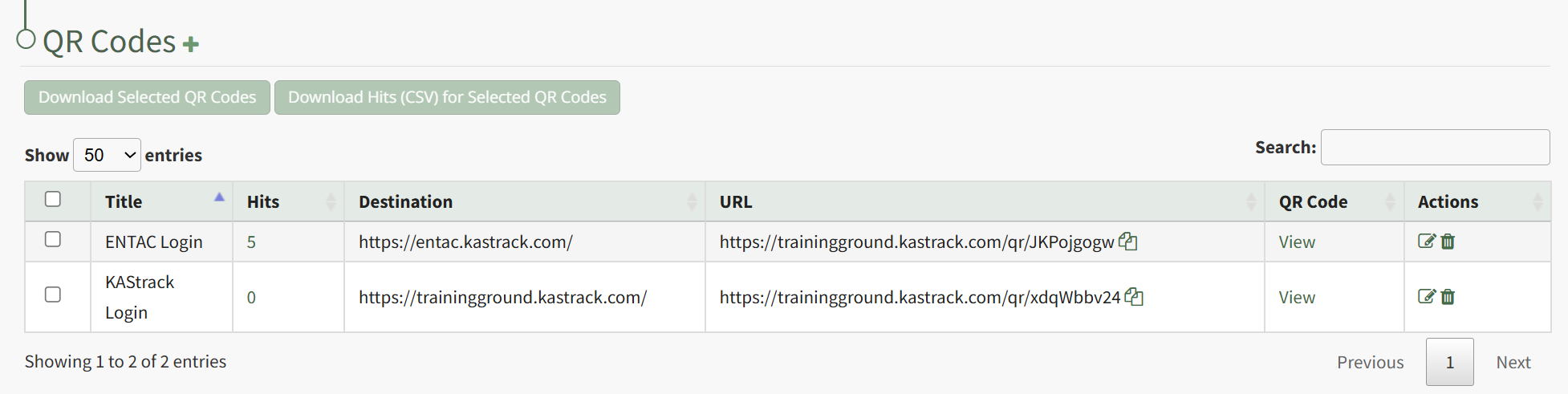
The QR Code is permanently deleted from the QR Code Table.
No comments to display
No comments to display