
Add Comments to an Action
To add comments to an action, go to the Actions Home Page.
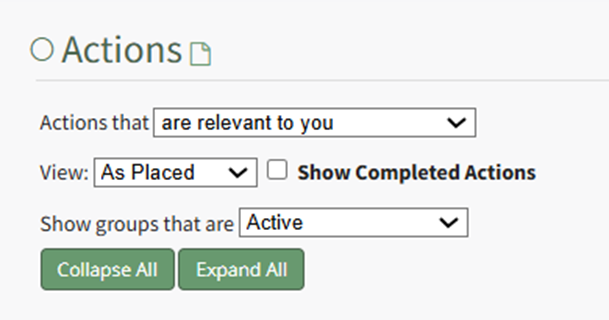
Use the filters to pull up the relevant action by Action Group (As Placed), Due Date, or User. If filtering by Action Group or Due Date, expand the section to display the actions.
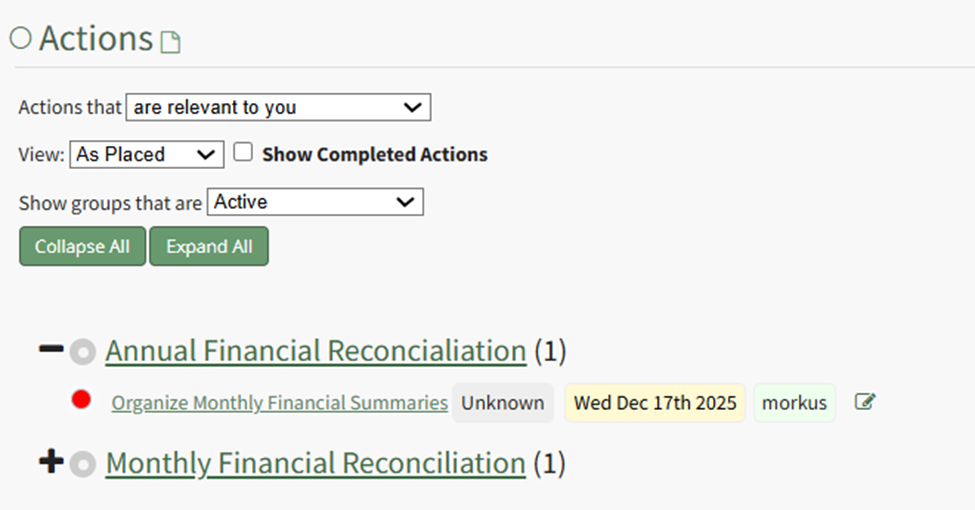
Click the Title of the action you wish to add comments too, opening the specific action.
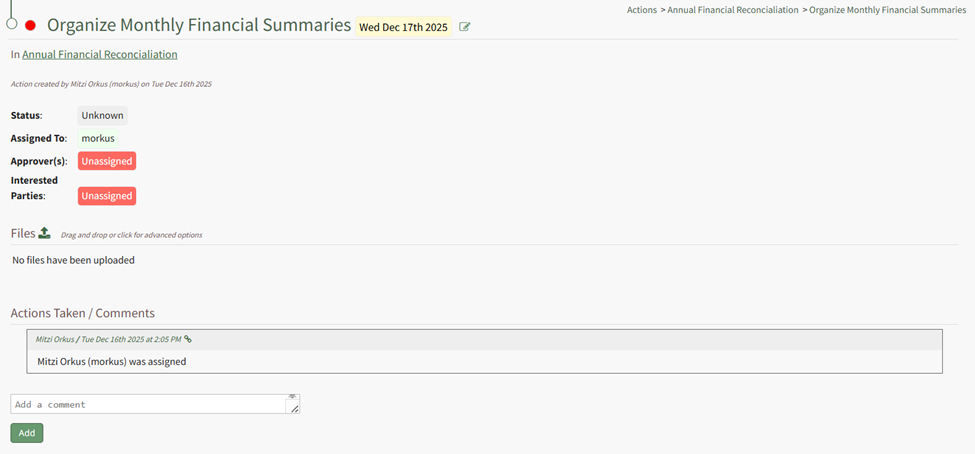
Input the desired information in the comment text box and select “Add”.
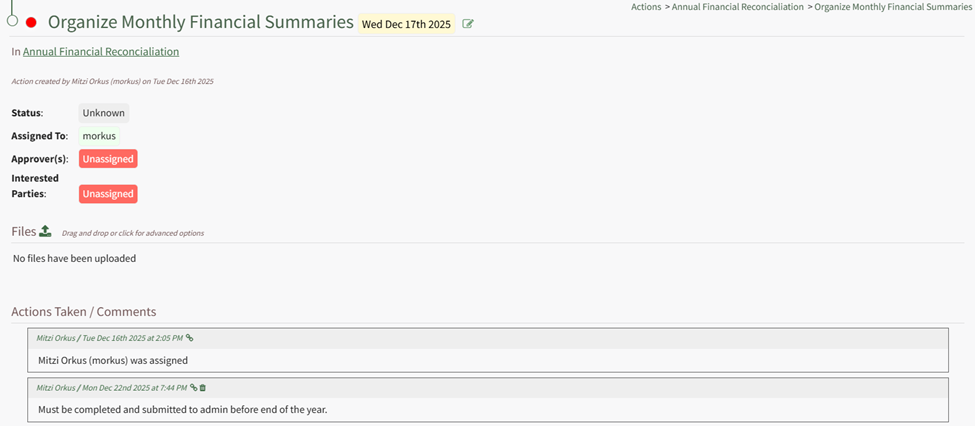
The comment, user who added it, and the date and time are recorded and now visible on the Action Page.
No comments to display
No comments to display