
Take the Course in Test Mode
To take a course in test mode, open the Courses Module Home Page from the Main Menu. Click the three-dot (…) icon to the right of the course title opening the course context menu. Select "Test Course".
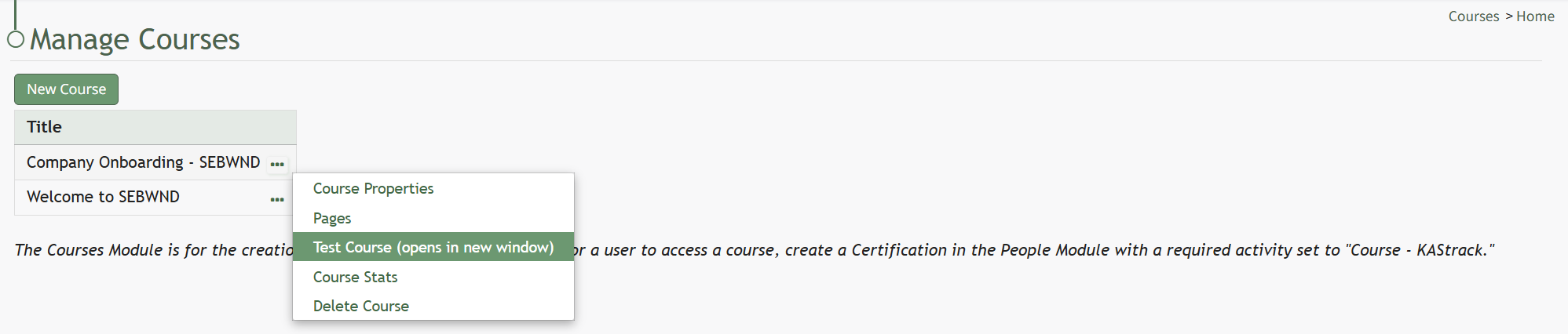
The course opens in a new window.

The course is displayed from the user perspective, as if you were actually taking the course.
When taking the course in Test Mode, results will not be recorded and will not impact course stats.
No comments to display
No comments to display