
Send an Acknowledgment Reminder Alert for a Document/File
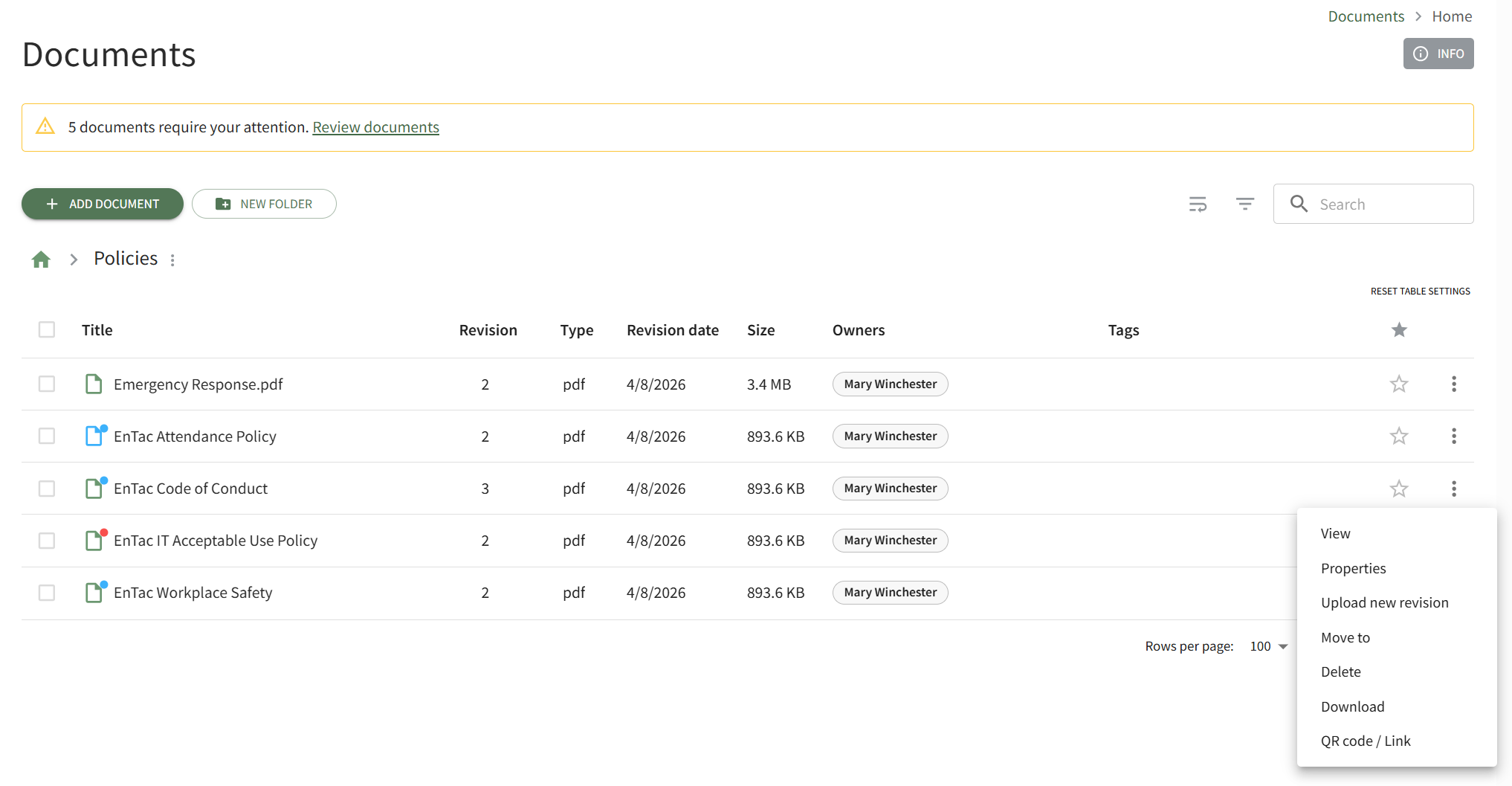
To send an acknowledgement reminder alert for a specific document, open the Home Page in the Documents Module on the Main Menu and navigate the repository to find the document you want to send an acknowledgement reminder for. Click the vertical three-dot icon to the right of the file opening the file's context menu and select View.
This opens the file's Details Page. Open the Details Tab.
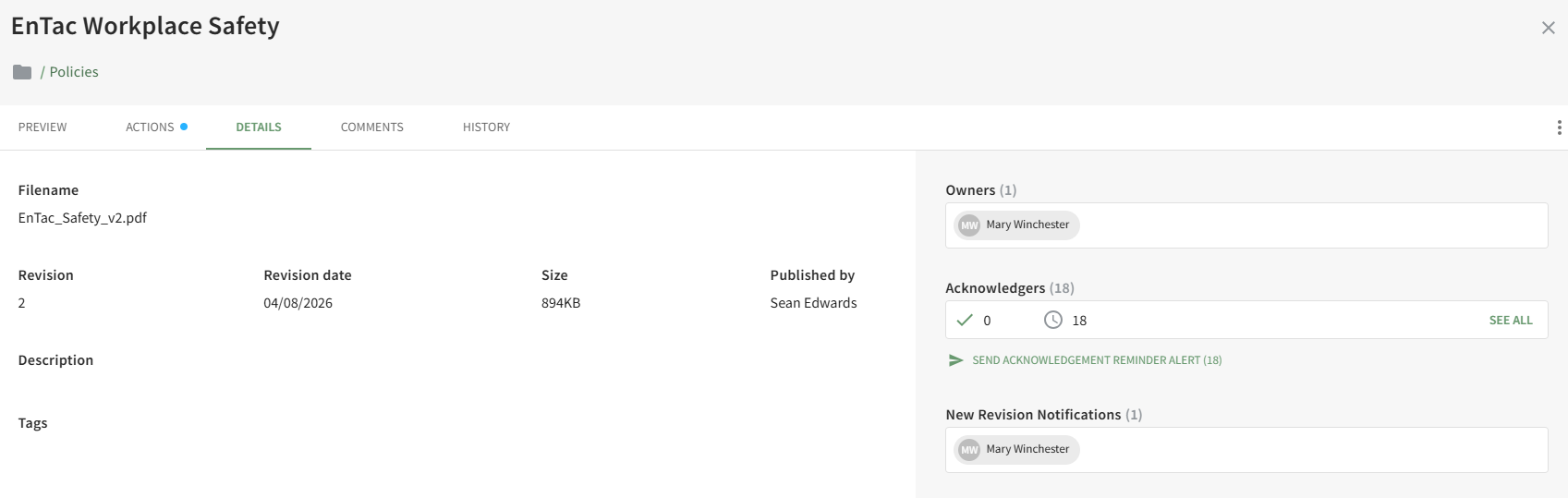
Click the Send Acknowledgement Reminder Alert link in the Acknowledgers Section opening the Send Reminder Alert Modal.
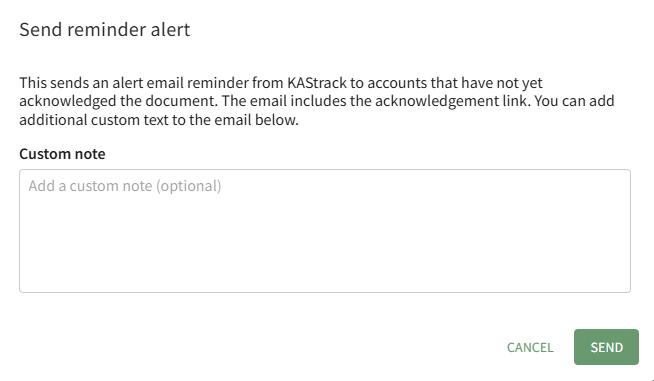
You have the option to add a custom note to the email alert reminder that will be sent to all accounts that have not yet acknowledged the document.
The email alert being sent will include a link that can be utilized to acknowledge the document.
No comments to display
No comments to display