
View a Custom QR Code
To view a specific, custom QR Code, open the QR Code Page of the Communications Module from the Main Menu.
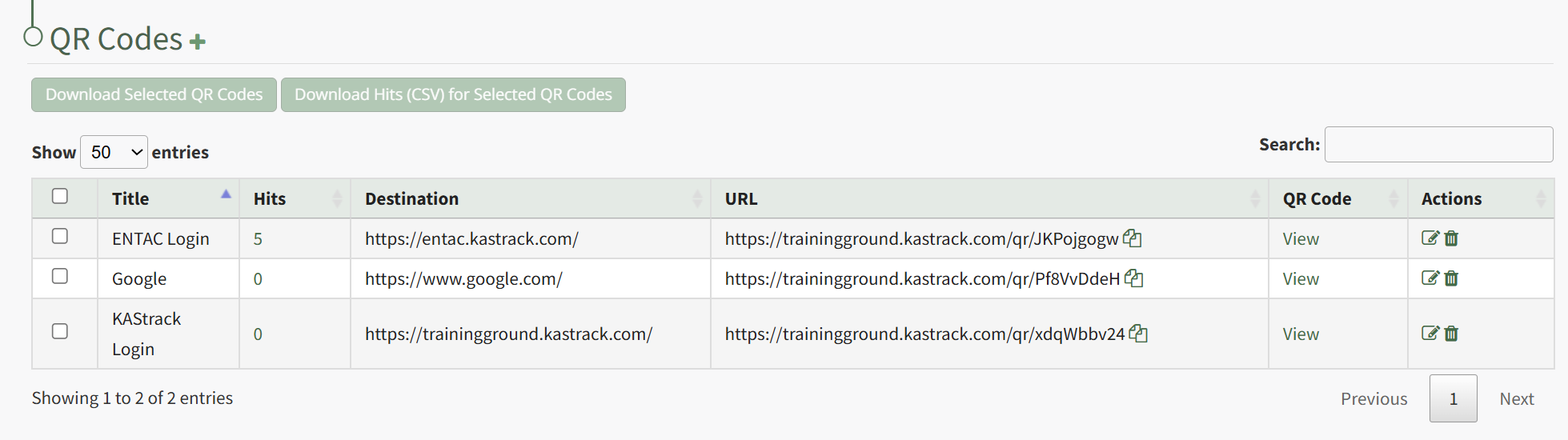
Click "View" in the QR Code Column to the right of the specific QR Code you wish to view.
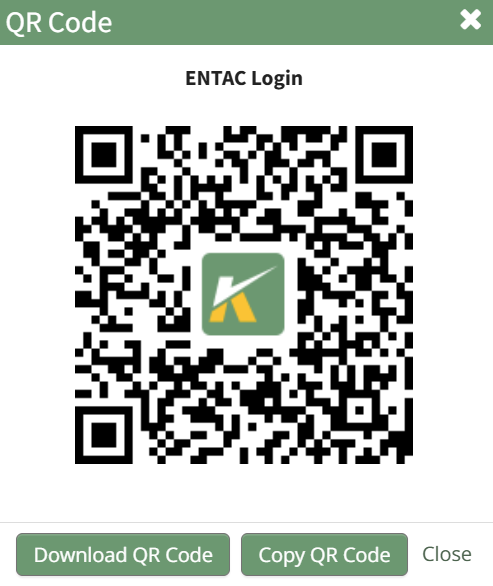
This opens the QR Code Modal and displays the specified QR Code.
No comments to display
No comments to display