
Copy A Report
System Reports cannot be copied.
To copy a report, go to the Custom Reports Tab of the Manage Reports Page in the Reports Module. Select the three-dot icon to the right of the Report Title opening the context menu.
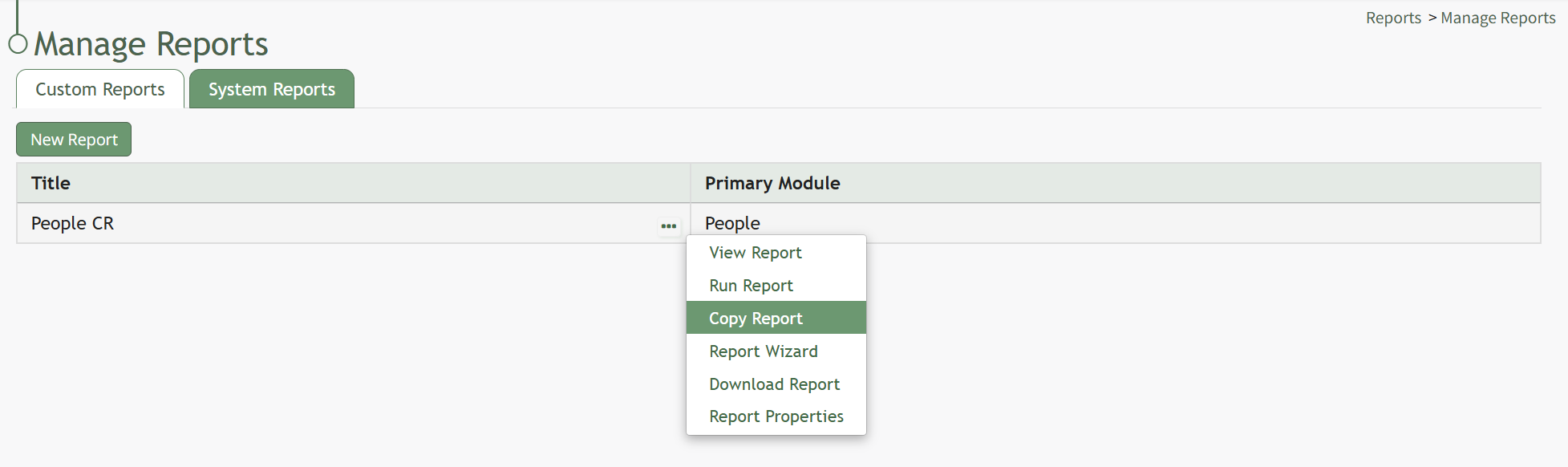
Select “Copy Report” opening the Copy Report Modal.

Input the new title to be associated with the copied report and select the “Copy” button.

The copied report will now be shown in the Custom Reports Table.
No comments to display
No comments to display