
Download all Files Requiring Action
To download all files that require action to your personal device, open the Actions Tab on the Review Page in the Documents Module from the Main Menu.
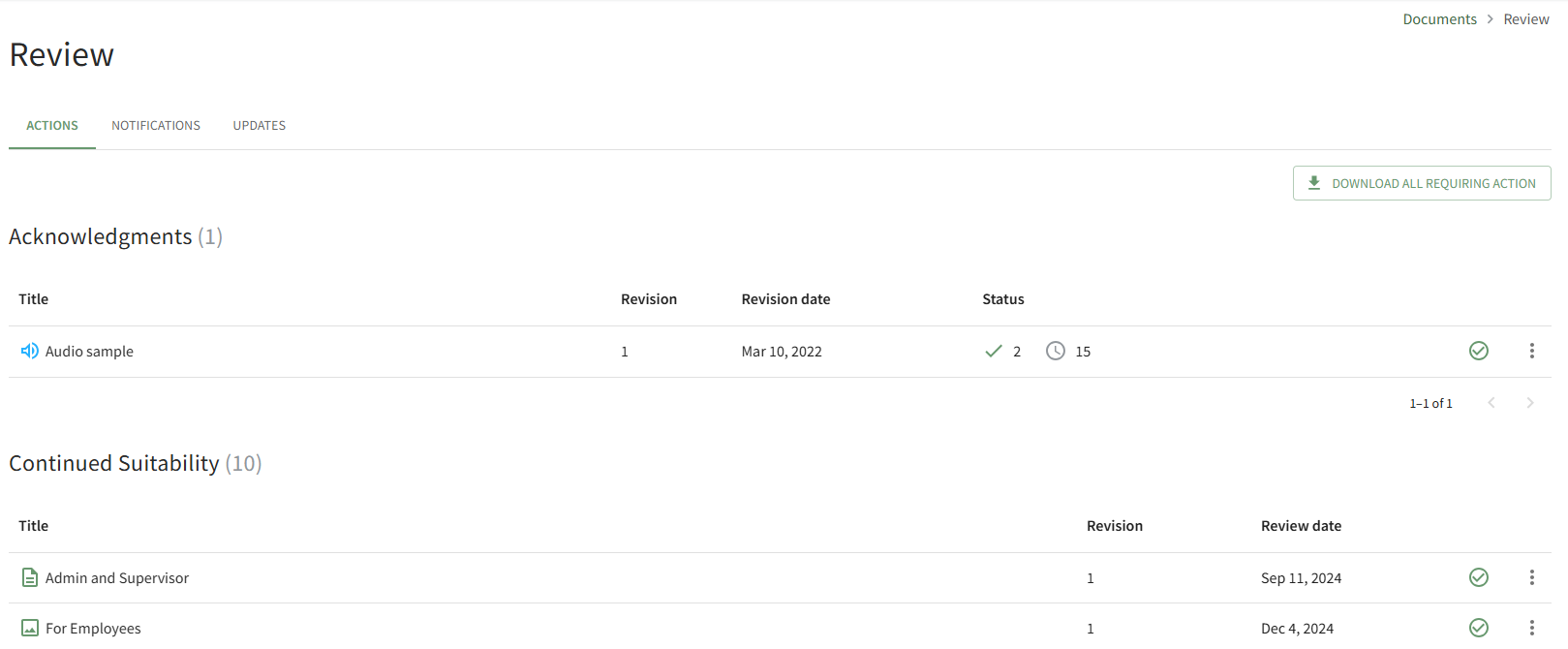
Click the Download All Requiring Action button opening the Download Compressed Package Page.

Click the download link generated for you to download a zip file to your personal device.
The download link generated for you will only be valid for 1 hour. Please start the download now.
No comments to display
No comments to display