
Add a New Module Level (Database Module)
To add a new module level in the Database Module, go to the Settings Page and select the “New Module Level” button.
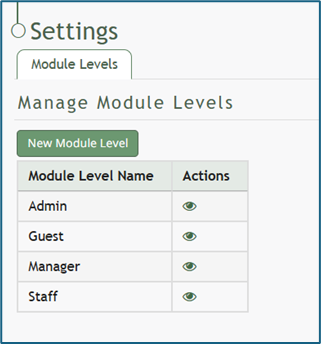
This opens the New Module Level Modal.
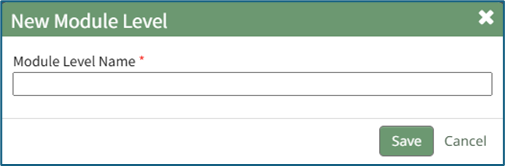
Input a name for the new module level and select the “Save” button.
The new module level will now show in the module level table on the Settings Page. Module levels created by your organizations can be customized.
Select the bulleted list icon to add permissions to the new module level.
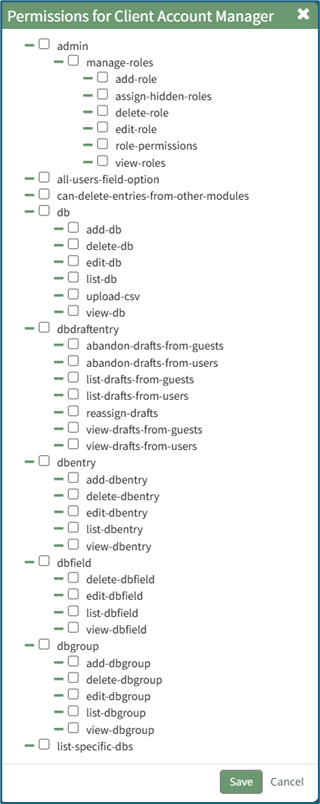
Click the checkboxes for the permissions you would like to be granted to the new module level.
Select “Save” when done added permissions.
No comments to display
No comments to display