
Add a New Manufacturer
To add a new manufacturer, open the Manufacturer Tabs on the Settings Page in the Assets Module from the Main Menu.
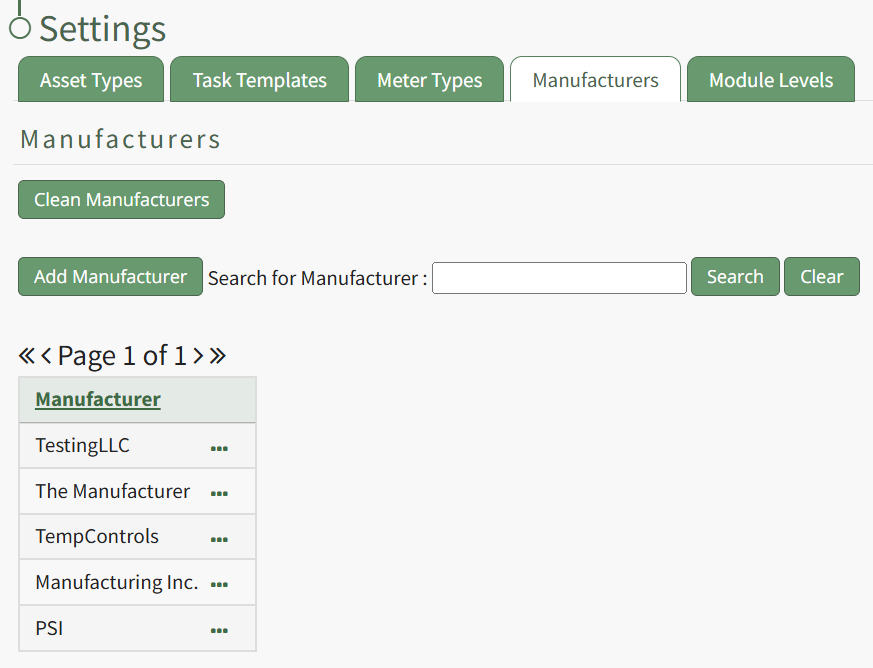
Select the Add Manufacturer button opening the New Manufacturer Modal.
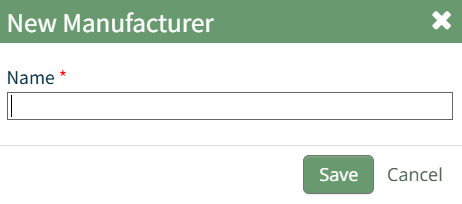
Input the name of the new manufacturer and click the "Save" button.
The new manufacturer will now show in the Manufacturer Table.
No comments to display
No comments to display