
Show Individual Form Entries on a Dispatch
To show individual form entries on a dispatch, go to the Home Page of the Dispatch Module. Click the ID or Title of the specific dispatch you want form entries to be visible on.

This opens the specified dispatch’s details page. Hover your cursor over the form whose entries you want to be visible, and three icons show.

Select the Edit Attachment Icon to the right of the form title, opening the Edit Forms Modal.
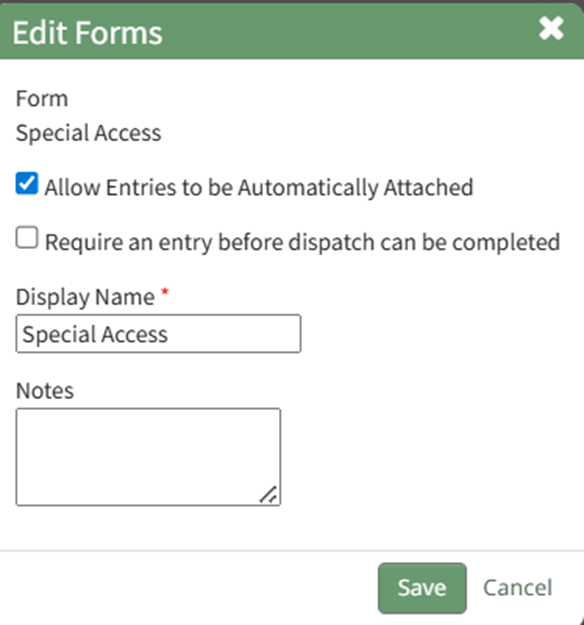
Select the “Allow Entries to be Automatically Attached” checkbox, and individual form entries will be included on the dispatch.
Selecting the PDF icon to the right of the entry opens the PDF with the entry’s information.
No comments to display
No comments to display