
Attach a File or Link to a User's Certification
To attach a file or link to a supervised user's certification, open the Users Page in the People Module and click the name of the user whose certification you want to attach a file or link to, opening the user's Certifications Details Page.
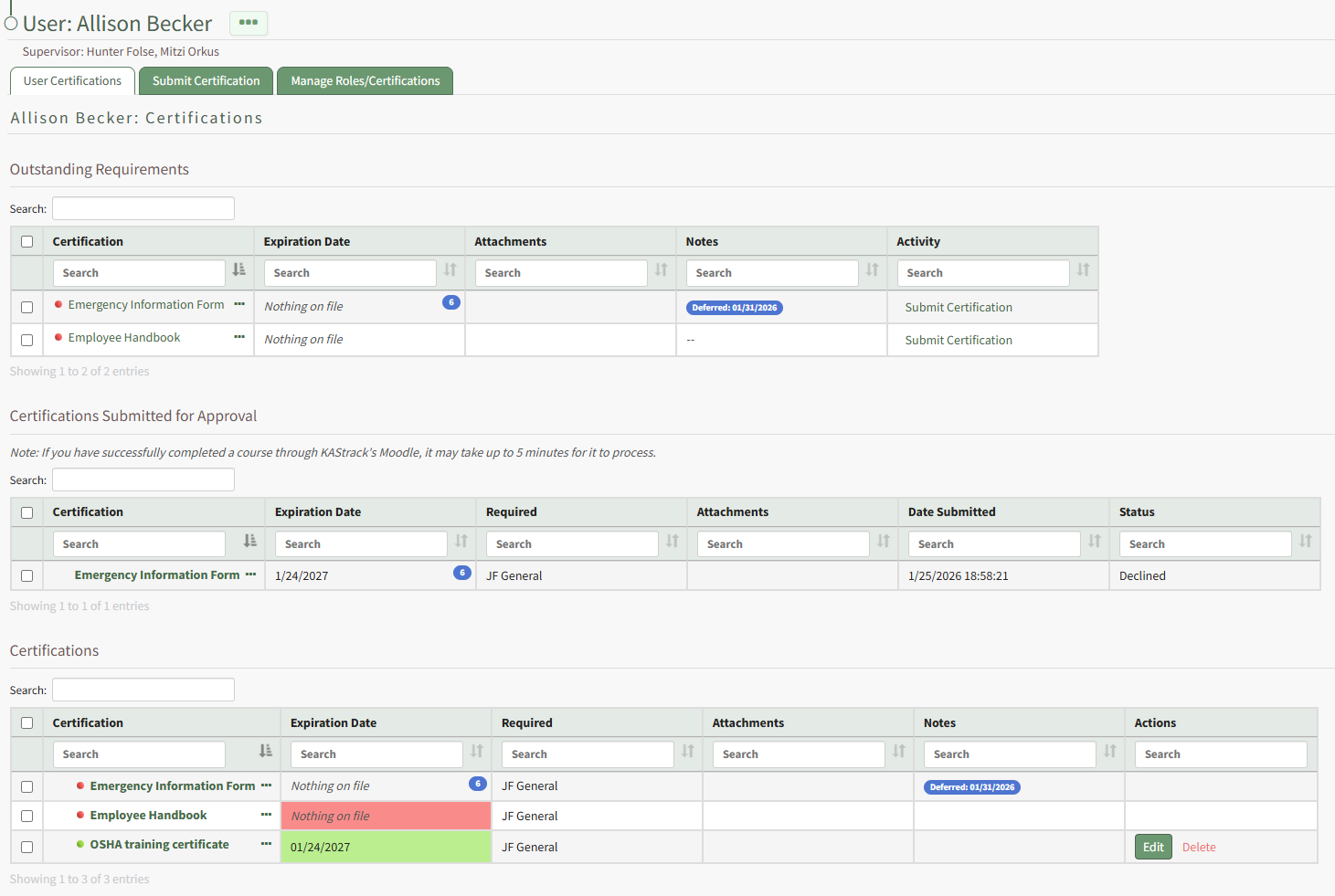
Click the certification name in the table opening the user's certification.
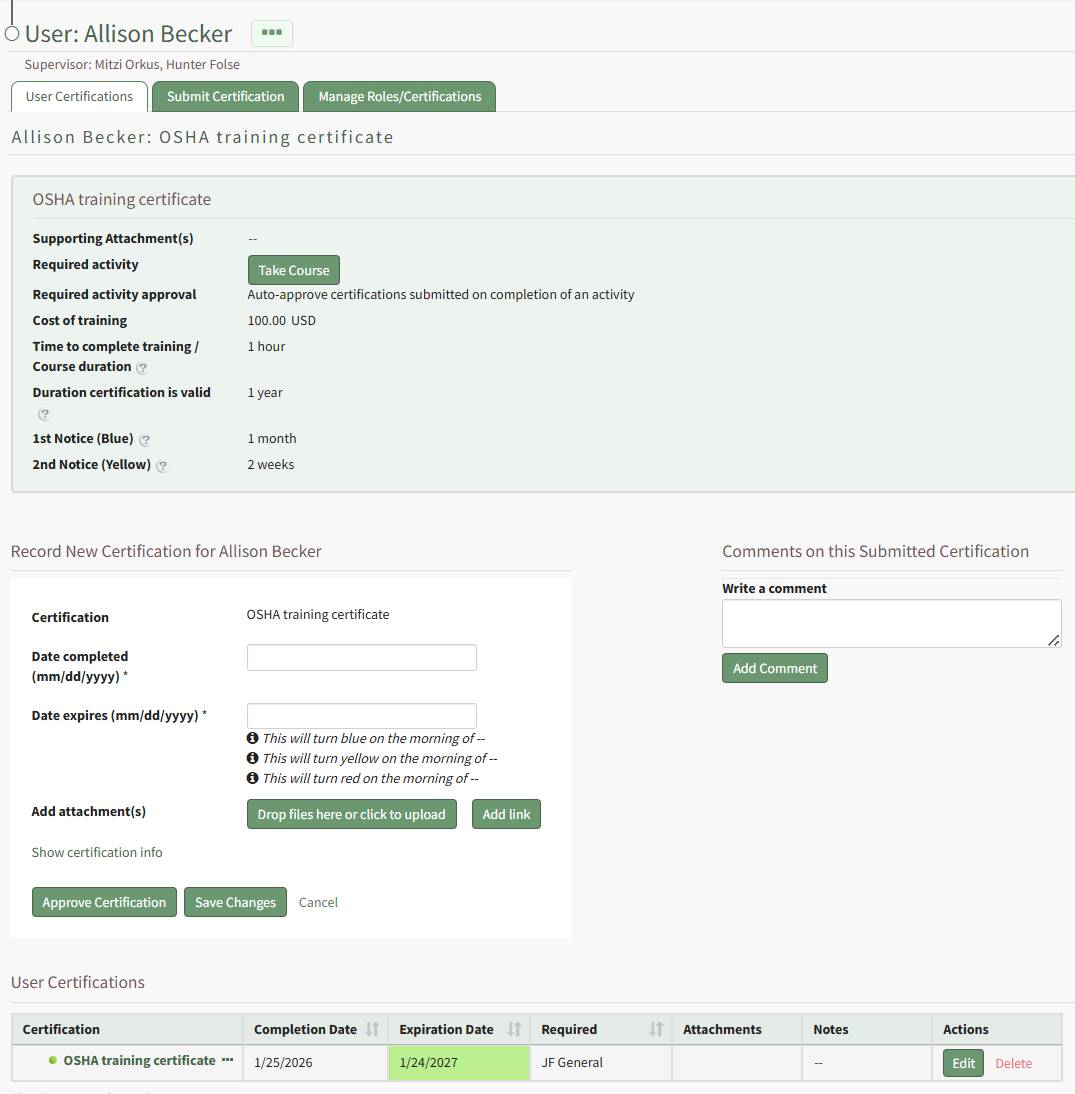
Select the "Drag Files Here or Click to Upload" button to attach a file to the user's certifications.
Select the Add Link button to include a URL Link with the certification.
Click the Save Changes button when complete.
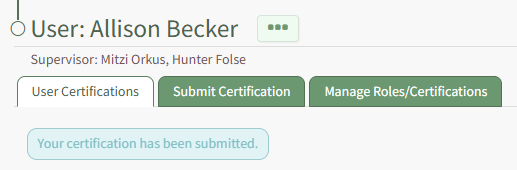
A textbox beneath the User Certification Tab confirms that your changes were submitted.
No comments to display
No comments to display