
Export Action Groups in a CSV File
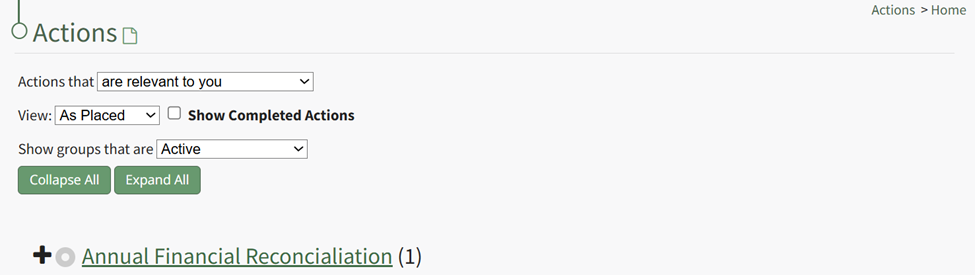
To export all actions within an action group, go to the Actions Home Page and click the title of the action group whose actions you want to export in a .csv file.
This opens the specific action group page. The third icon to the right of the header is the export icon.
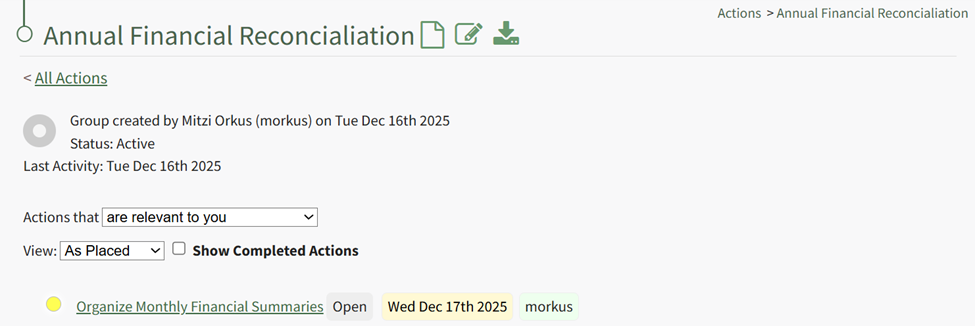
Select the export icon, and the associated actions will be downloaded as a .csv file on your personal device.
No comments to display
No comments to display