
Return an Out of Service Asset to Service
To return an out of service asset to service, open the Manage Assets Page in the Assets Module.
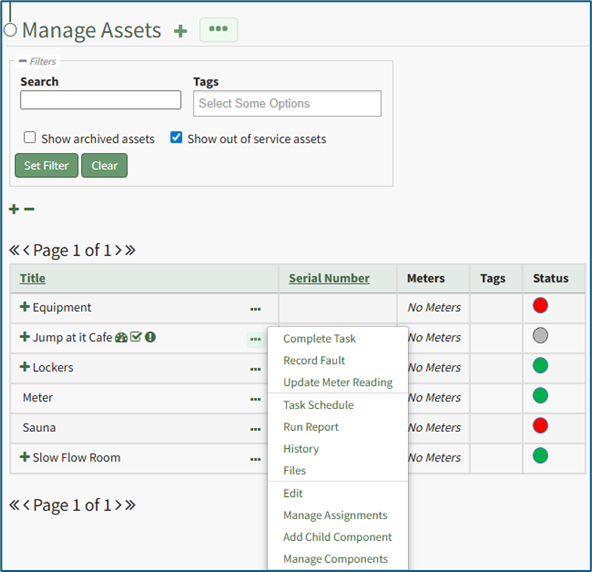
Click the three dot (…) icon to the right of the asset associated with the task you want to return to service opening the context menu.
Select “Task Schedule” opening the asset's Task Schedule Page.
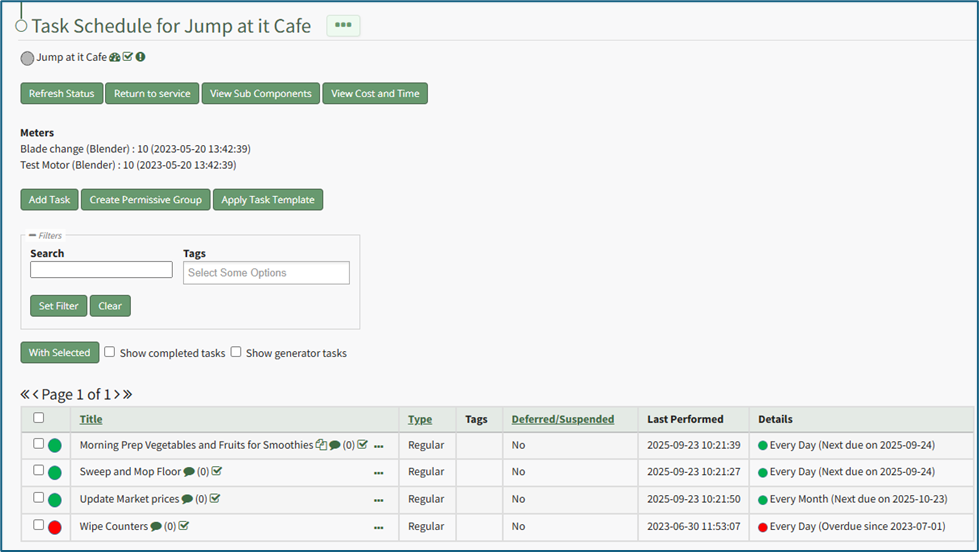
Select the “Return to service” button opening a confirmation modal stating, “Are you sure you wish to return this asset to service?”
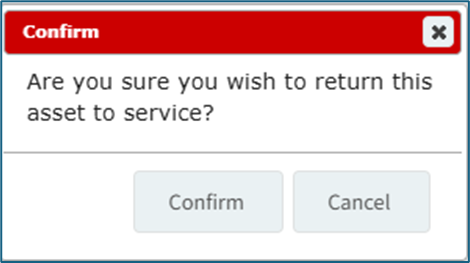
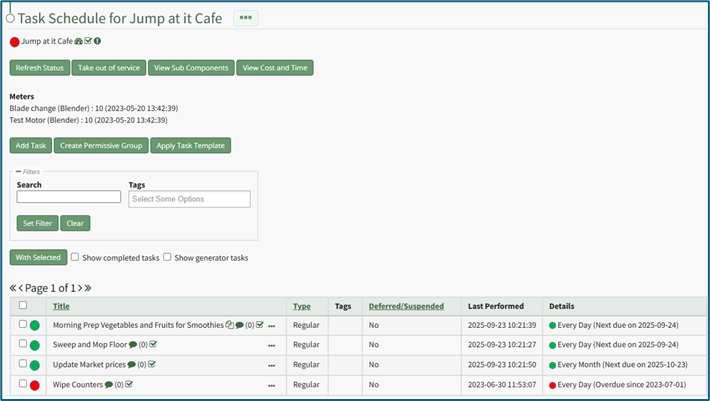
Select “Confirm” and the asset will be returned to service. A modal stating, “(ASSET NAME) was returned to service,” will temporarily appear.

The asset is now returned to service and the task status reflects completed/past due tasks.
No comments to display
No comments to display