
Assign Permissions for a System Report
To assign Permissions for a System Report, go to the System Reports Tab on the Manage Reports Page of the Reports Module.

Select the three-dot icon to the right of the system report you wish to alter permissions for opening the system report table context menu. Select “Permissions” opening the Access to (SystemReport Name) Report Modal.

Add individual people, certification roles, or access levels from the dropdown menu.
Users still require the ‘run-report’ and/or ‘download-report’ permissions to be able to run or download system reports that they have permission to access.
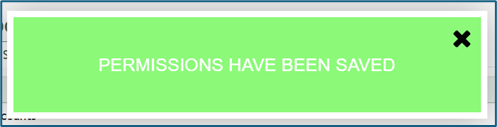
Select “Save” to change who has access to the report. A confirmation modal will appear stating, “Permissions have been saved,” and you will return to the System Reports Tab of the Manage Reports Page.
No comments to display
No comments to display