
Return a Unique Item to the Inventory
To return a unique item to the inventory, go to the Inventory Module Home Page.
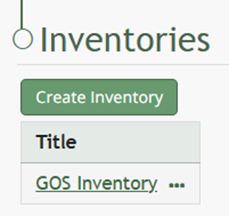
Click on the name of the inventory you want to return a unique item into.
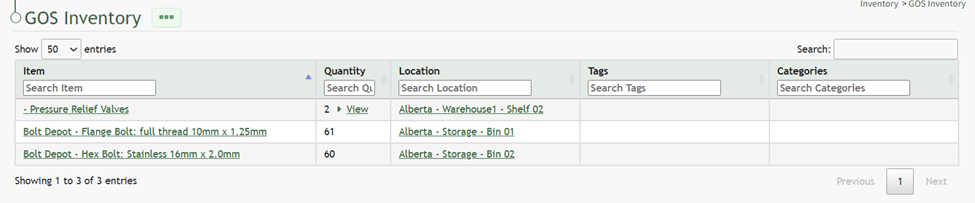
Click the three-dot icon to the right of the inventory name header opening the inventory context menu.
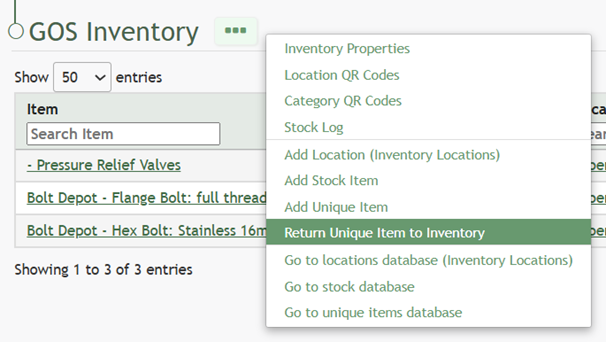
Select “Return Unique Item to Inventory” opening the Return to (InventoryName) Modal.
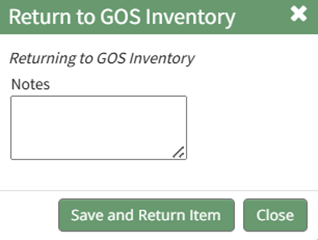
The data fields requested by this modal to return a unique item will vary based on the way the inventory was setup.
Select the “Save and Return Item” button for the unique item to be returned to the inventory.
No comments to display
No comments to display