
Copy an Action Group Template
To copy an action group template, select Templates from the Actions Module Main Menu, opening the Manage Templates Page. Selecting the three-dot icon to the right of the Action Group Template Title opens the Action Group Template Context Menu.
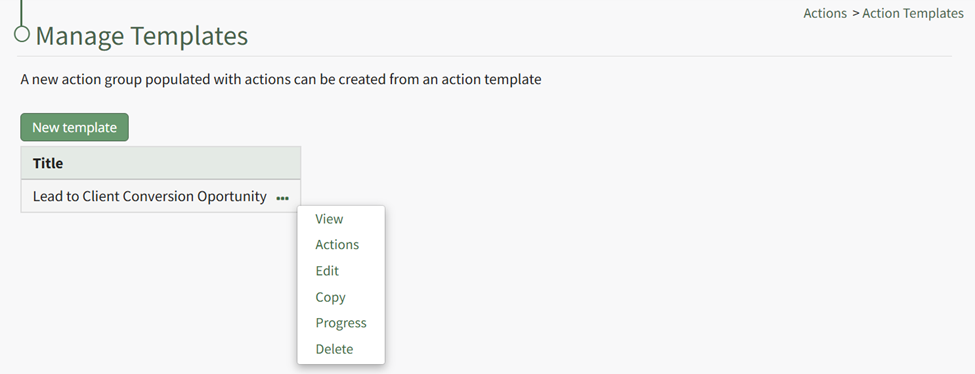
Select “Copy” and the Copy TEMPLATE NAME Modal opens.
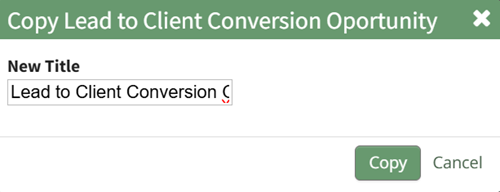
The modal allows for a new title to be given to newly created action group template. After inputting a new name, select the “Copy” button and the new Template will show on the Action Group Template Title Table.
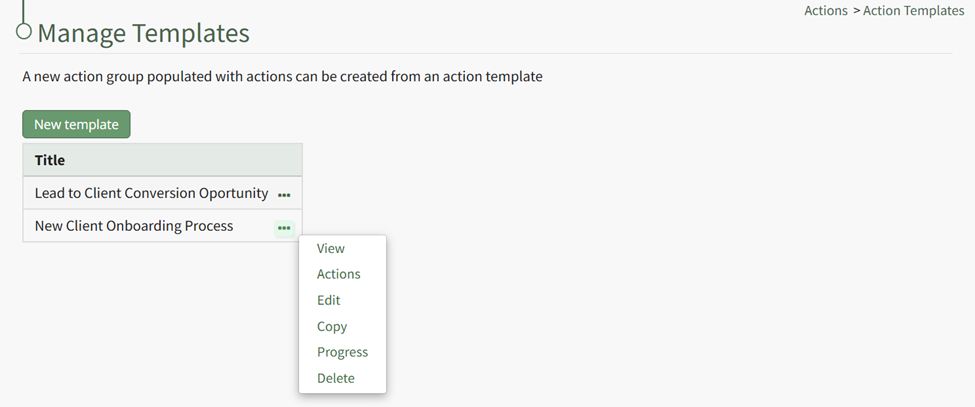
The Action Group Template Context Menu can be used to make any further adjustments as needed.
No comments to display
No comments to display