
Add Tags to a Form Entry
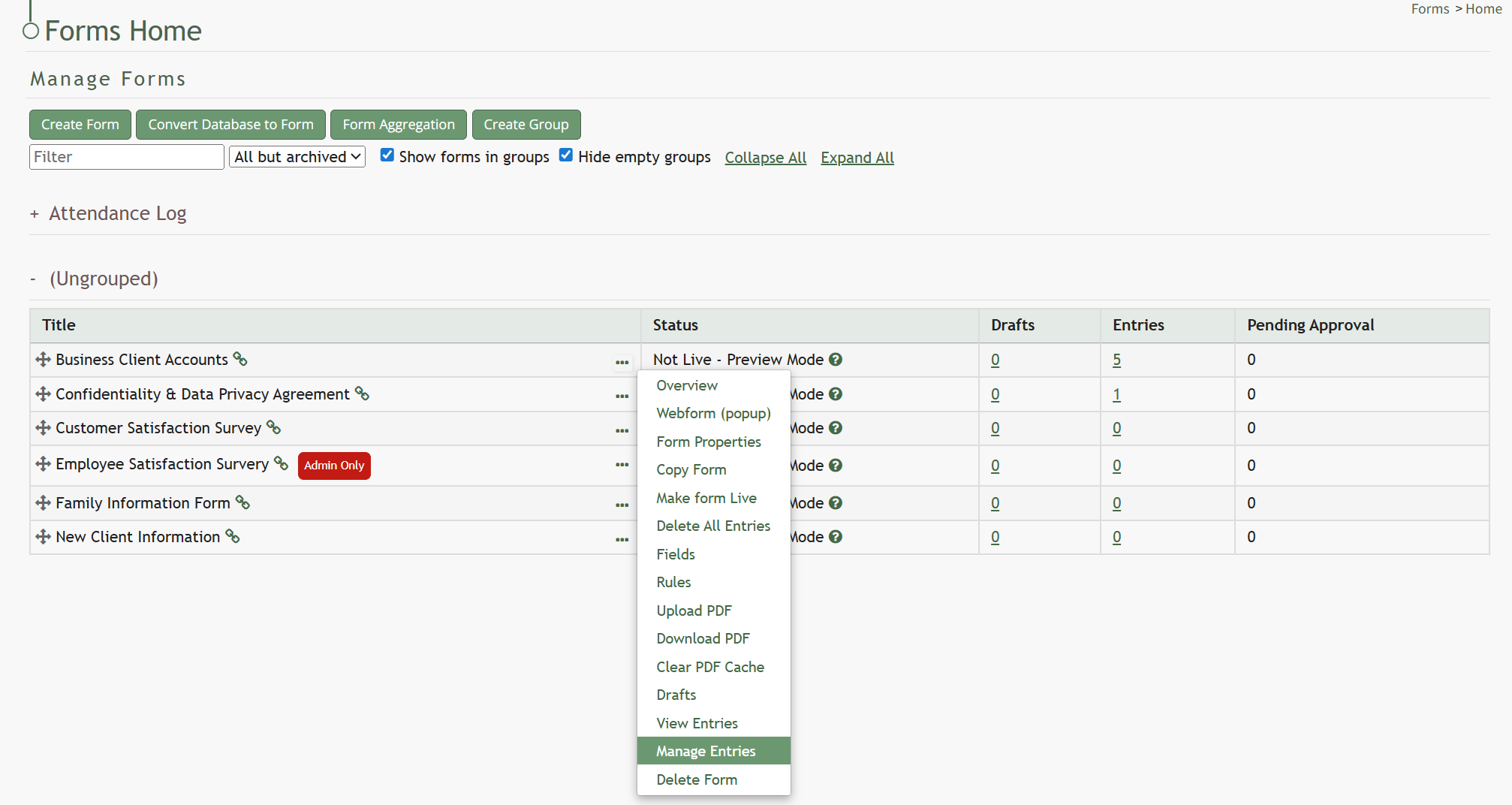
To the right of every Entry ID is a three-dot icon. Click the three-dot icon for the entry you wish to add tags to opening the Forms Entry context menu. Select “Tags”.
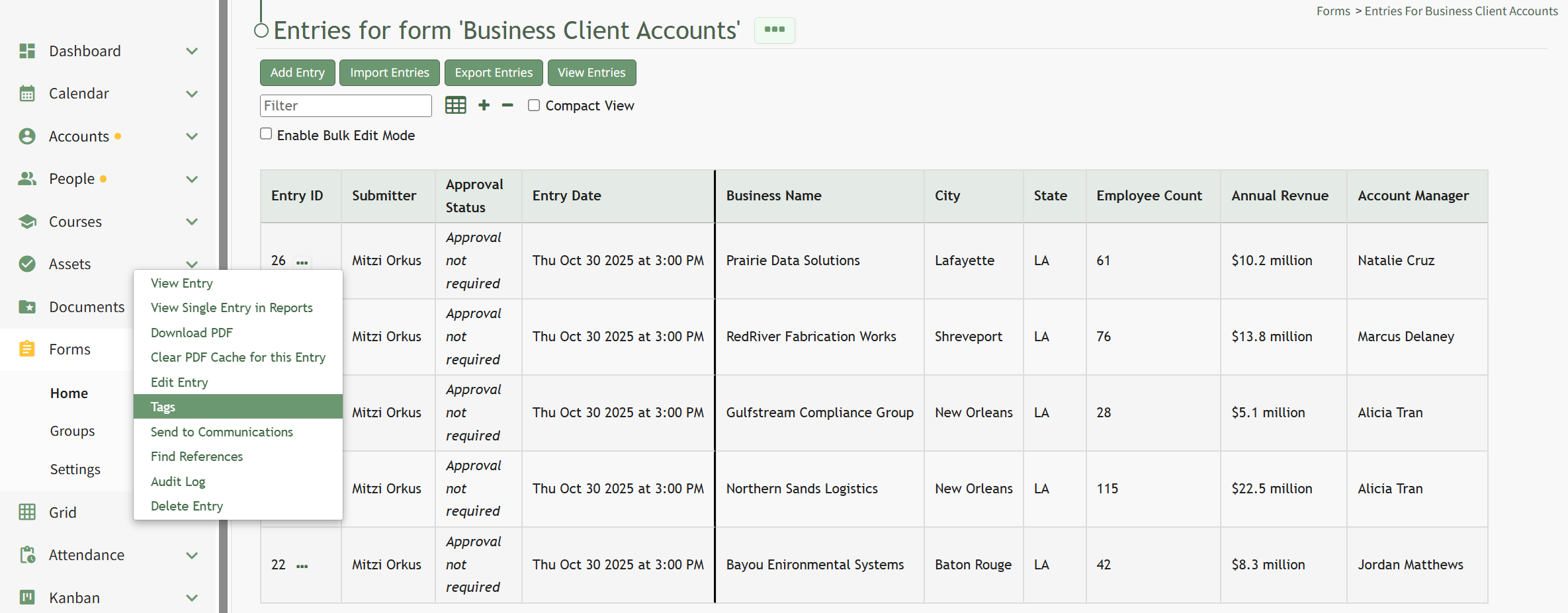
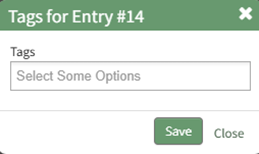
To the right of every Entry ID is a three-dot icon. Click the three-dot icon for the entry you wish to add tags to opening the Forms Entry context menu. Select “Tags”.
No comments to display
No comments to display