
Delete an Action Group
To delete an action group, select the Groups Page on the Main Menu, opening the Manage Action Groups Page. Clicking the three-dot icon to the right of the action group opens the Action Group Context Menu.

Select “Delete Action Group” from the context menu opening the Delete Action Group Confirmation Modal.
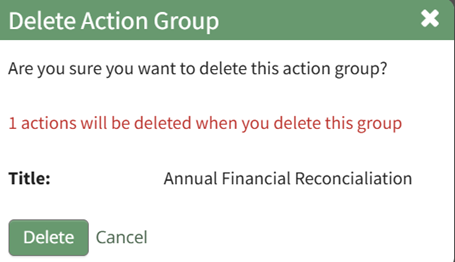
The modal displays the title of the action group that will be deleted, as well as the number of actions that will be deleted when you delete the group.
Select the “Delete” button and the action group will no longer be visible on the Action Groups Table.
No comments to display
No comments to display