
Add New Form Entries in the Dispatch Module
To add form entries in the Dispatch Module, go to the Home Page of the Dispatch Module. Click the ID or Title of the specific dispatch you want to submit a form entry on.

This opens the Dispatch Details Page.

Hover your cursor over a form’s displayed name and select the clipboard icon.
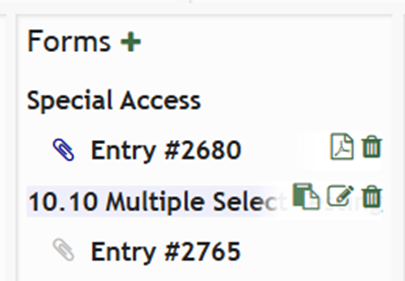
The clipboard icon opens the webform modal, allowing an entry to be submitted directly from the dispatch details page.
Select “Submit” when done completing the form entry.
No comments to display
No comments to display