
Export Roles/Certification Assignments
Certification assignments to Certification Roles can be exported from KAStrack into a CSV file. Select Roles Page in the People Module from the Main Menu to open the Certification Roles Table. Click the three-dot icon to the right of the header to open the Certification Roles Page Context Menu and select “Export Roles/Certification Assignments”.
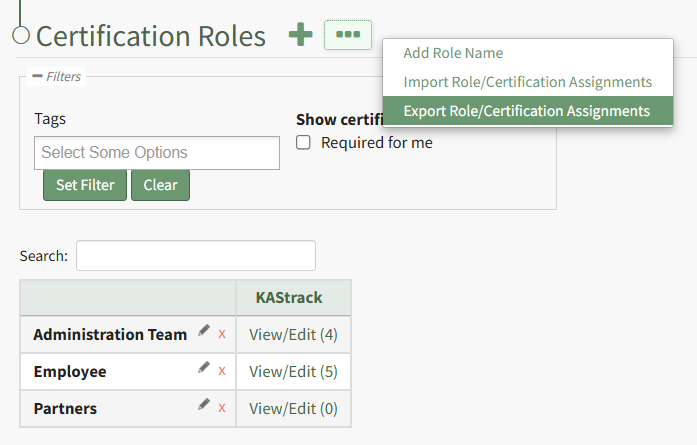
This opens the Export Role/Certification Assignments Modal.
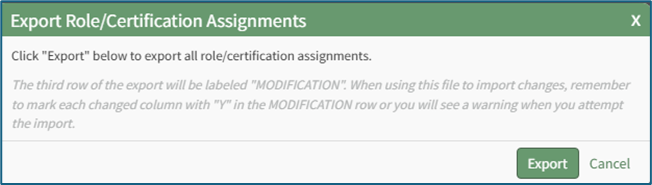
Select the “Export” button to download a CSV file into your device’s Downloads folder that contains all role/certification assignments.
No comments to display
No comments to display