
Delete a Certification
To delete a certification, open the Certifications Page in the People Module from the Main Menu. Click the name of the certification in the Certifications Table to open the certification's details page.
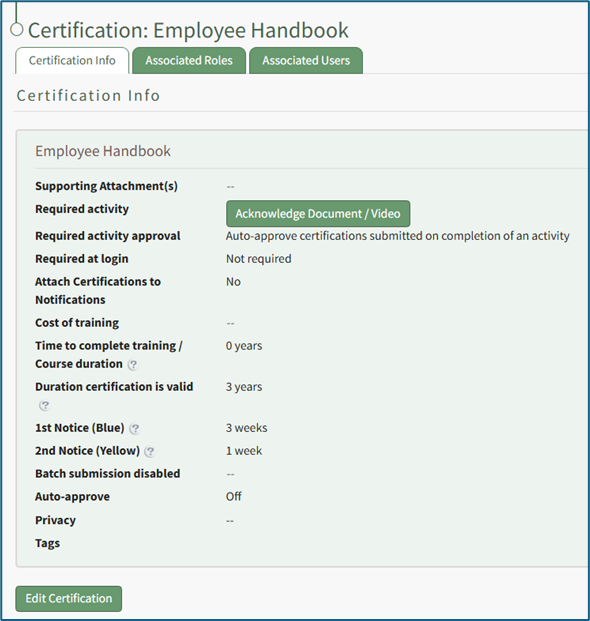
Select the “Edit Certification” button to open the Edit Certification Info Page, which is comprised parameters from five sections.
Click “Permanently Delete Certification” to delete the certification.

This opens a Deletion Confirmation Modal.
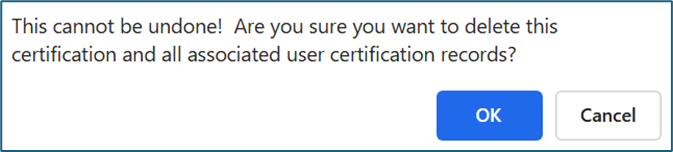
The modal states “This cannot be undone! Are you sure you want to delete this certification and all associated user certification records?” Click the “OK” button to permanently delete the certification.
No comments to display
No comments to display