
Acknowledge a Document/Video Associated with a Required Certification
One of the possible required activities for a certification is to require acknowledgement of a document or video.
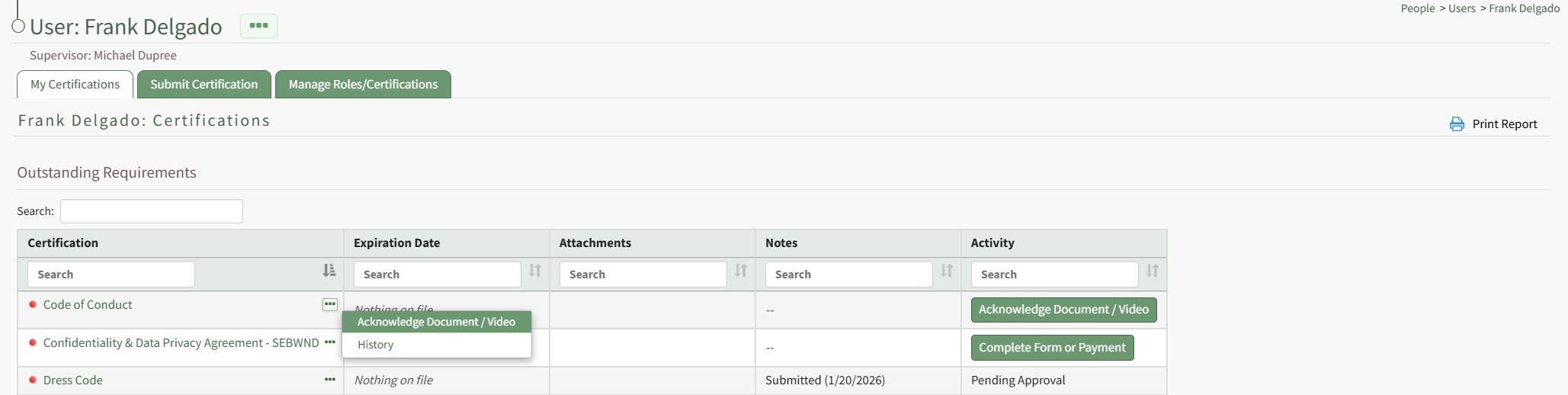
Acknowledge Document / Video is a context menu open as well as a button in the Activity column on a user's My Certifications Tab on the My Account Page of the People Module. It is also a clickable link in the Required Activity column on a User's Certifications Page.
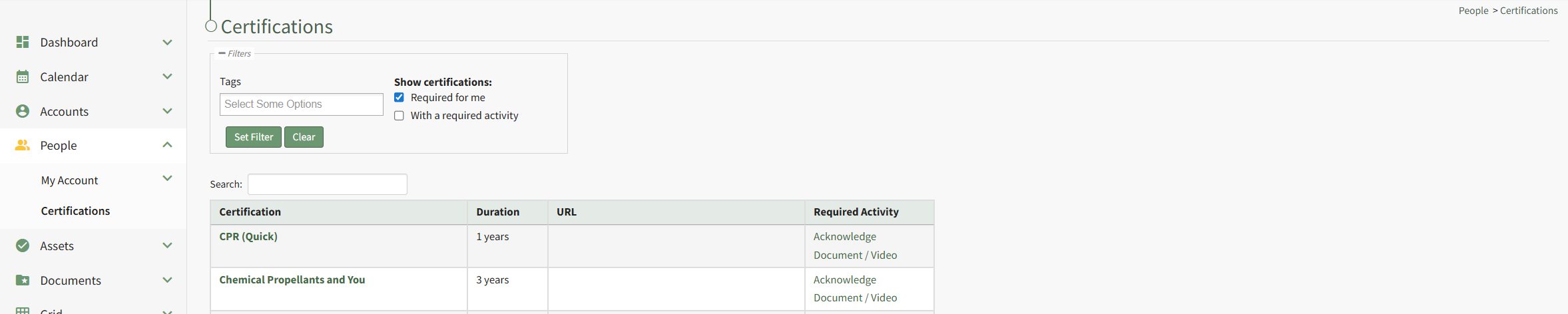
Select Acknowledge Document / Video to open the Acknowledge Document/Video Modal, which displays the required activity directly in the modal.
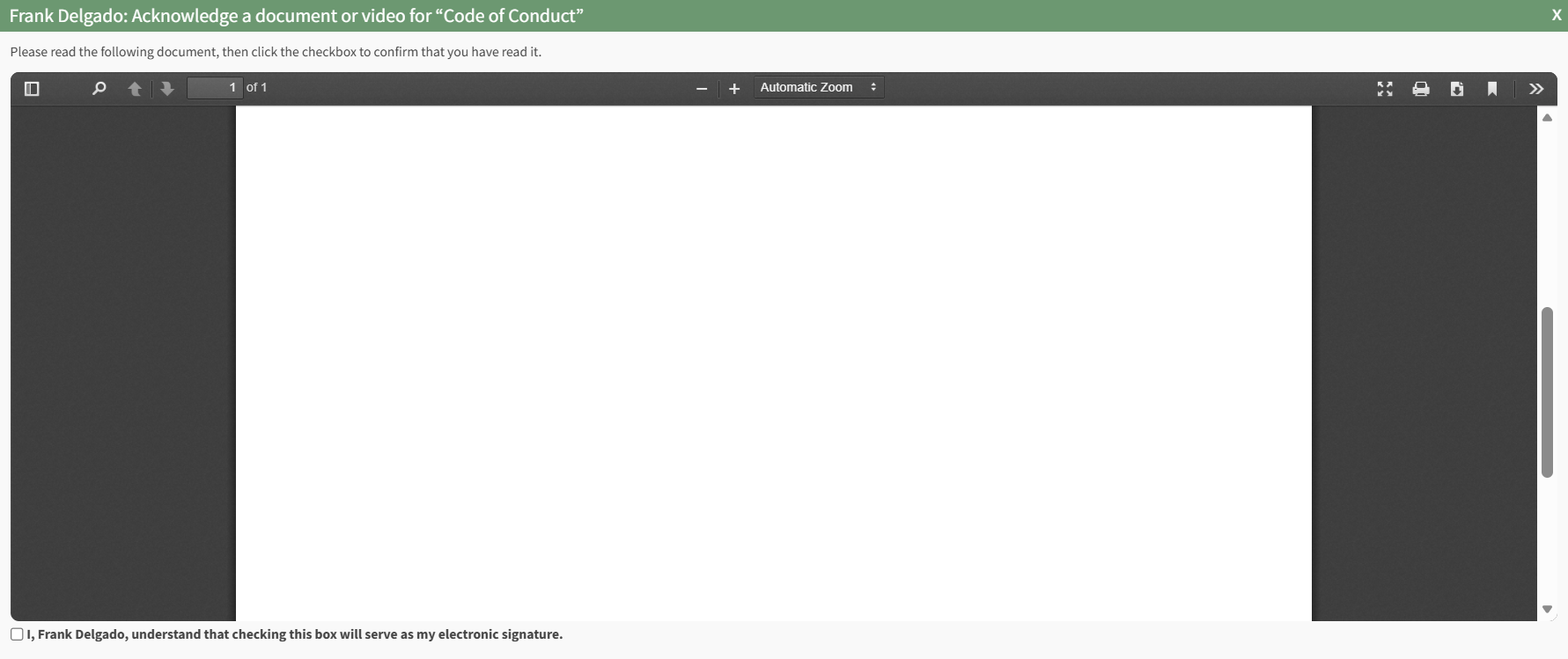
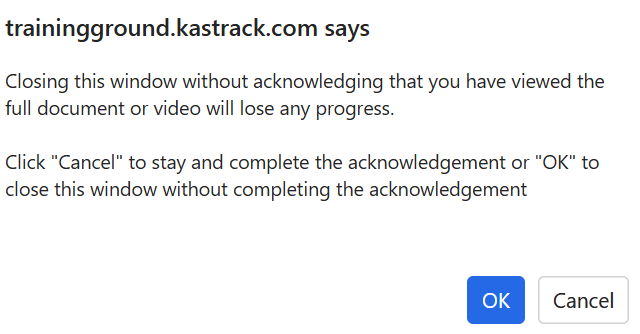
Instructions on the modal state to read the document/watch the video and click the checkbox at the bottom of the modal to confirm you have read/viewed it. If you attempt to close the modal before acknowledging the document/video, a modal appears stating that if you close the window without acknowledgement, you will lose any progress.
Click the checkbox with the statement, "I, FIRST/LAST NAME, understand that checking this box will serve as my electronic signature.

Clicking the checkbox completes the required activity.
The completion of a required activity can also serve as the certification submission. This is a customizable property available to any certification.
No comments to display
No comments to display