
Record a Fault
Logging faults allows your company to track trending data in KAStrack by recording incidents and any data associated with this issue/failure.
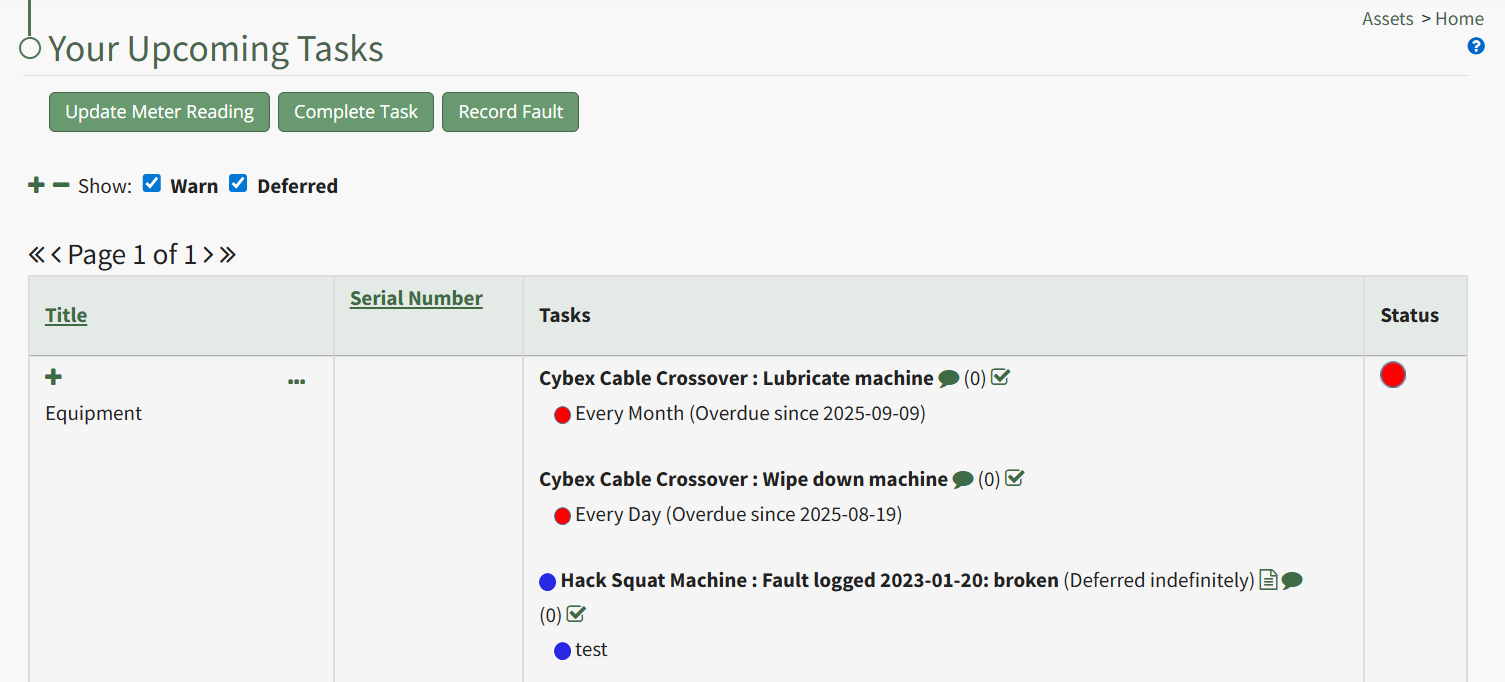
In order to record fault with an equipment issue/failure, go to the Upcoming Task Table on the Asset Module Homepage and select the "Record Fault" button beneath the page header.
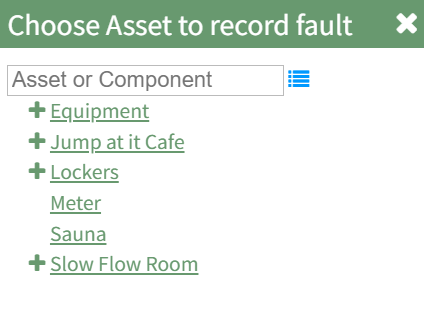
The Choose Asset Modal will prompt you to identify which asset you want to log data for. Click the bulleted list icon to access your assets. Selecting the plus sign “+” icon will expand the components within the Asset.
Selecting “Record Fault” from the three dot (…) context menu will open the same modal for the specified asset.
Select the appropriate asset, opening the Record Fault Modal.
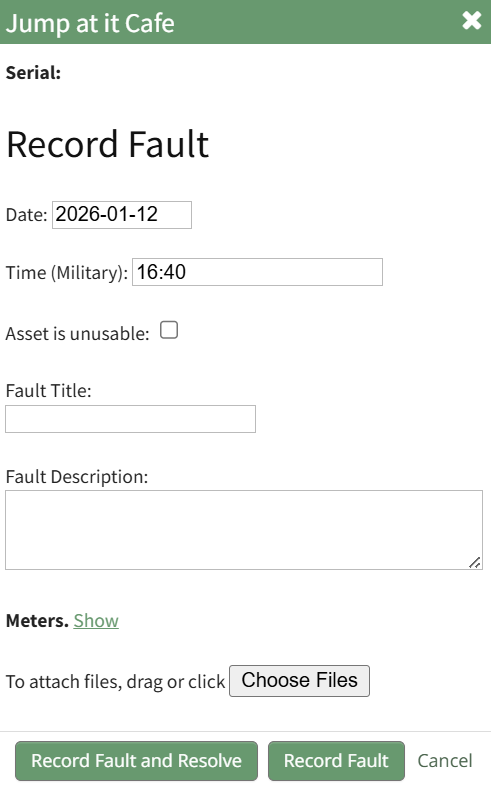
Enter the date and time into the Record Fault modal. The default setting is in military time (24 hours). If the asset is currently unusable, click the checkbox. Give the fault a title and provide a description of the fault. Leave the meter blank if there is no reading.
Select the “Log Fault” button to record the incident. Select the “Log Fault and Resolve” button to complete two actions in one step: log the issue and indicate that it has been addressed. Click cancel to return to the Assets Module Homepage.
No comments to display
No comments to display