
Assign an Action Approver
Action Approvers can be assigned to users through the Edit Action Modal.
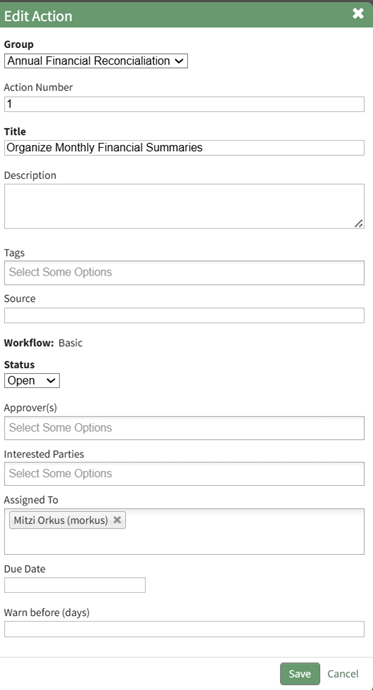
Edit the "Approver(s)" field to assign users as approvers for the action.
How To: Edit an Existing Action
An Action can be edited through the Edit Action Modal or the specified action’s detail page.
To Edit Through the Edit Action Modal
Alter the filter on the Actions Module Action Home Page to see the action you wish to edit. If the actions are displayed by group or due date, expand the section containing the action. Hover your cursor over the individual action you wish to edit displaying the edit action icon to the right of the Action Title.

Click the edit action icon opening the Edit Action Modal.
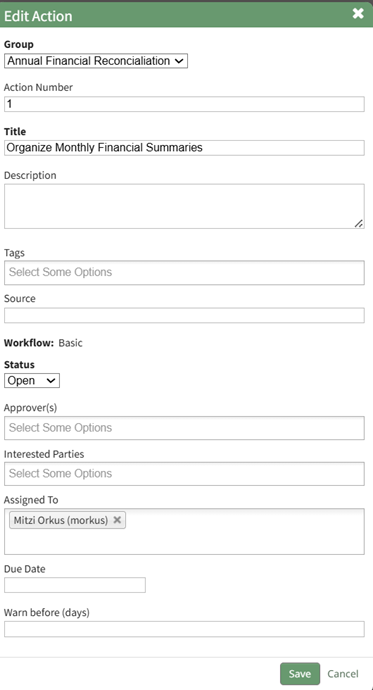
Make the necessary changes to the action and select save.
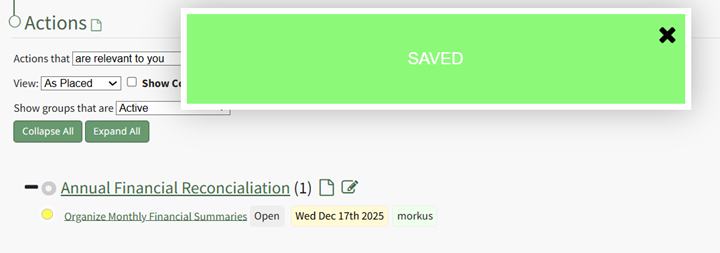
A confirmation modal stating “Saved” will appear, and the changes to the action will now be visible.
To Edit Through an Individual Action Page
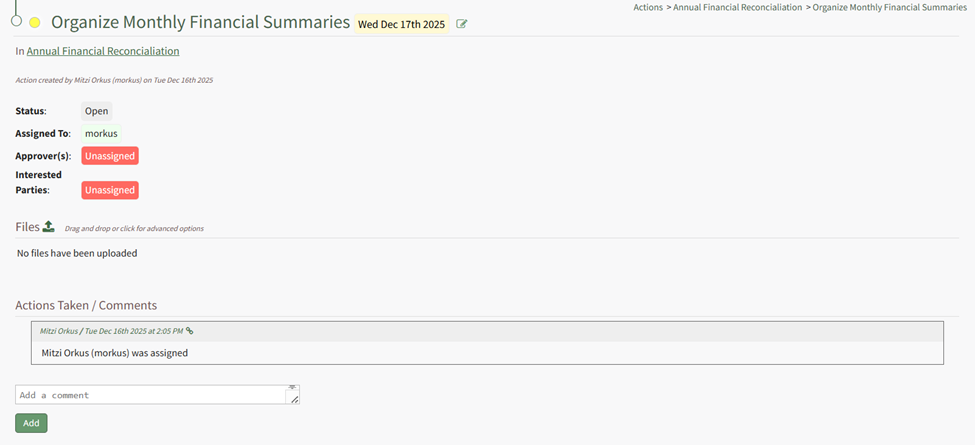
Clicking the Action Title will open the individual action’s Action Page.

The action can be edited by selecting the edit icon to the right of the action title.
No comments to display
No comments to display