
Reset the Since Last Review Document List
To reset the Since Last Review Document List, open the Review Page in the Documents Module from the Main Menu and open the Updates Tab.
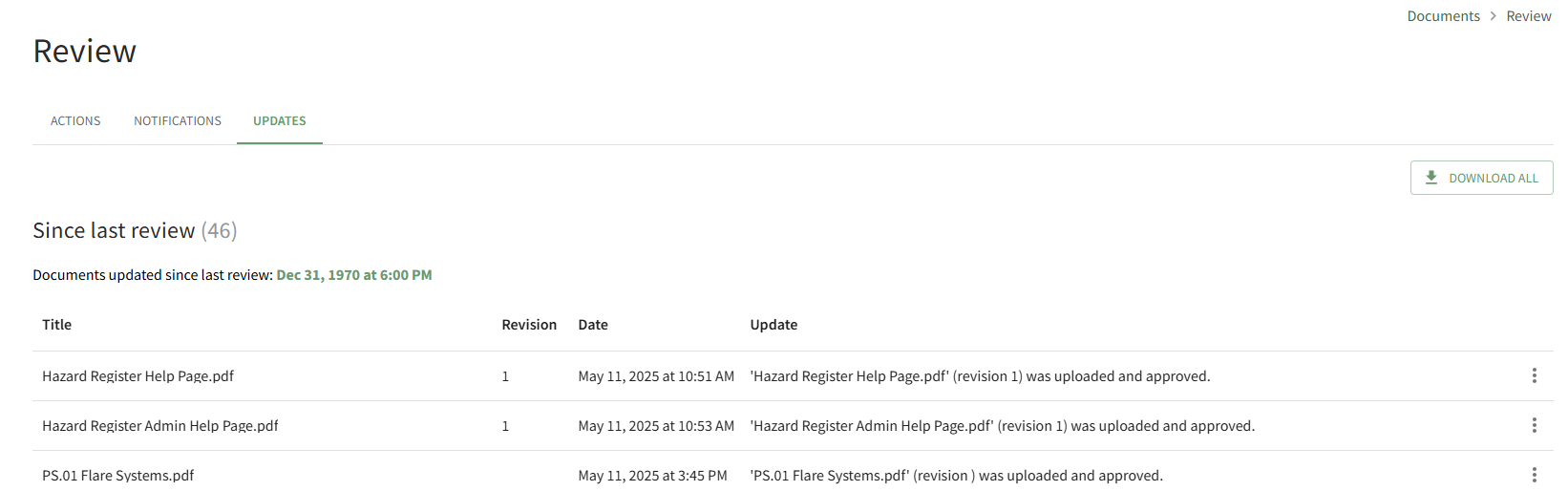
All documents that have been uploaded/updated in module since the last review are visible. The number of files is indicated in parenthesis to the right of the section header. Scroll to the bottom of the Since Last Review List.

Click the Reset Review Date button.
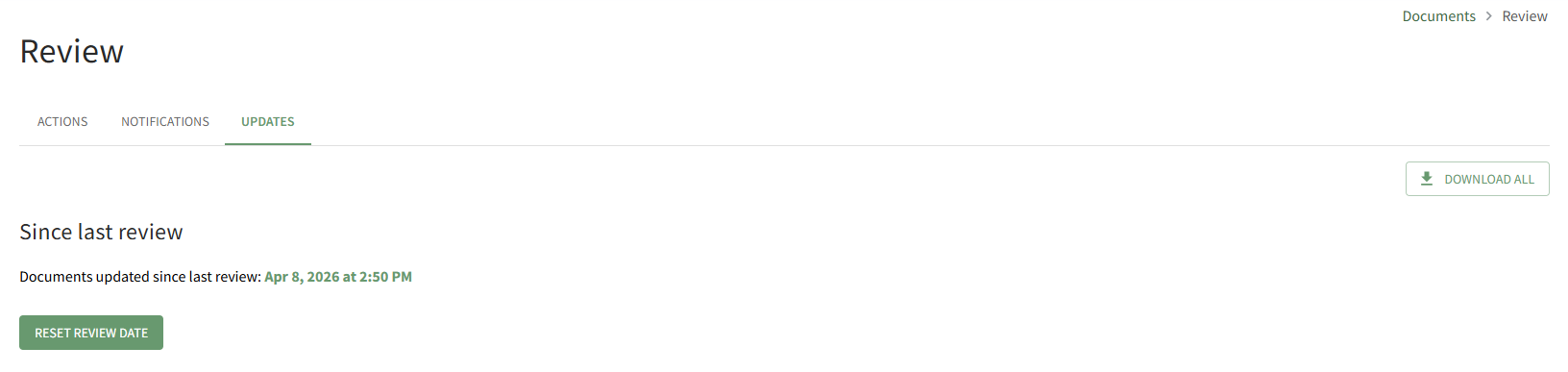
The system records the date and time that the list was reviewed.
No comments to display
No comments to display