
Indicate a Dispatch Incident
To indicate there was a dispatch incident, go to the Home Page of the Dispatch Module. Click the ID or Title of the specific dispatch you need to indicate an incident for.

This opens the Dispatch Details Page.

Hover the cursor over the itinerary activity. Select the clock icon to opening the Edit Activity Status Modal to edit start or finish information.
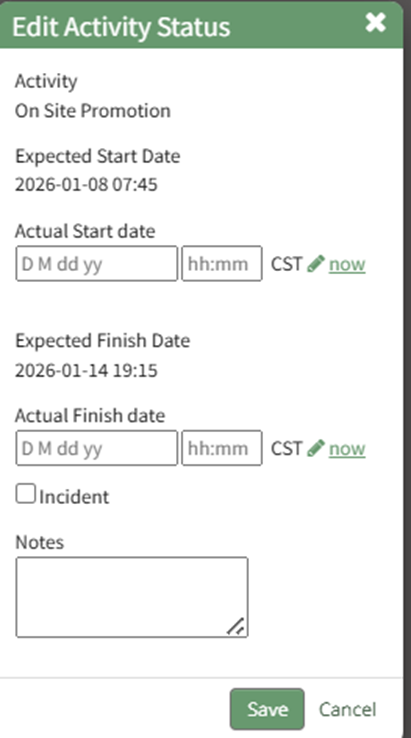
Select the “Incident” checkbox and click the “Save” button.
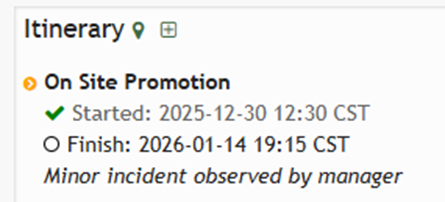
The yellow icon to the right of the Itinerary Activity title indicates that there was an incident.
No comments to display
No comments to display