
Download a PDF Form
While this option will show on the context menu, you can only download a PDF if a PDF has been associated with the specific form selected.
To download a specific form PDF, go to the Home Page of the Forms Module and click the three-dot icon to the right of the Form Title opening the Form Table context menu.
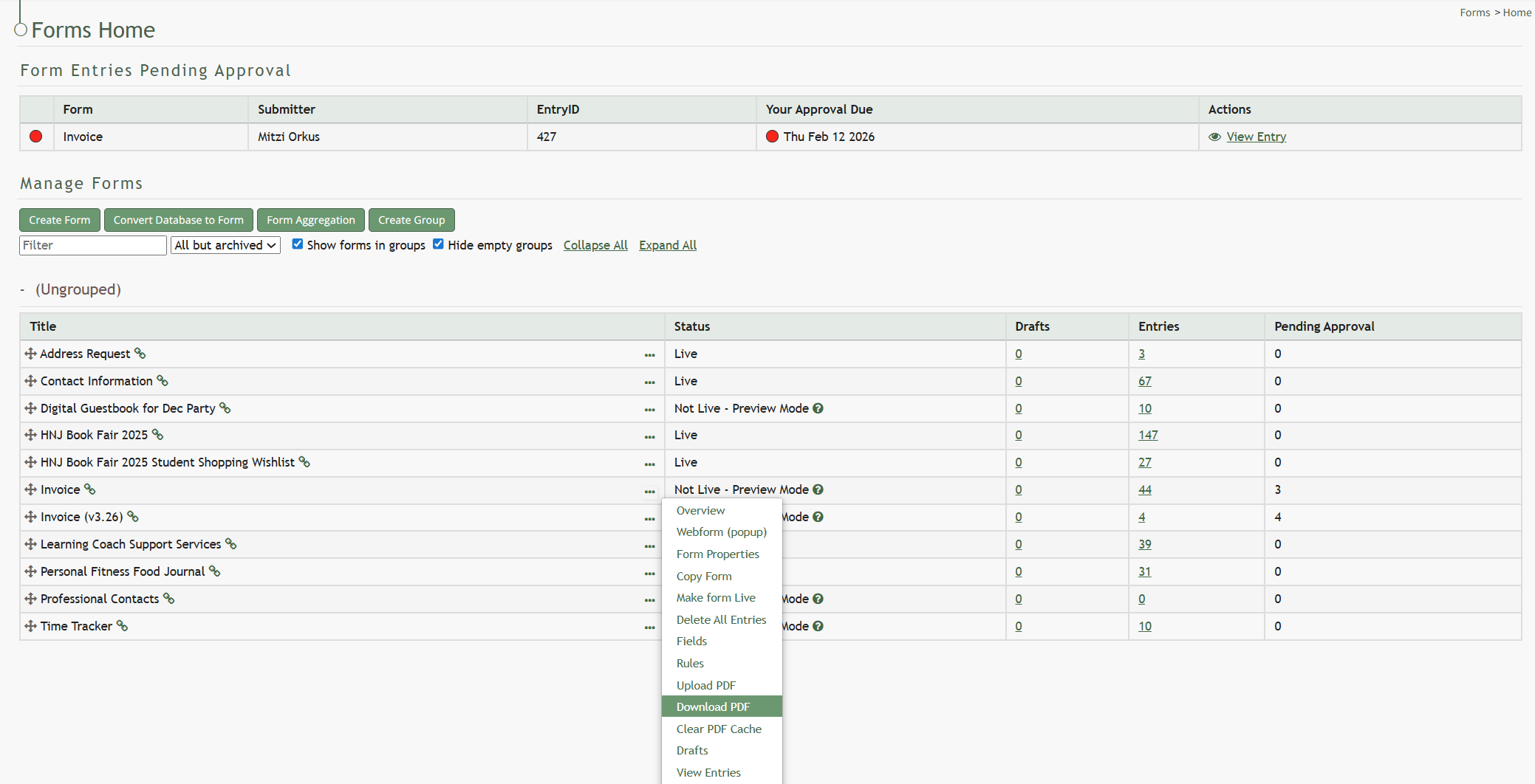
Select “Download PDF” and the form pdf will automatically be downloaded to your personal device.
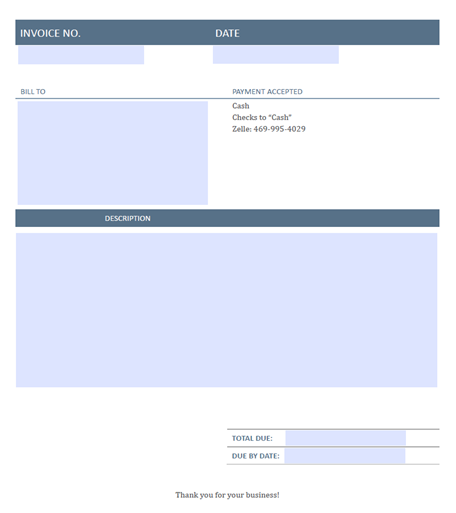
The download will show all form fields without any entry information being input.
No comments to display
No comments to display