
Submit a Certification
A user can submit a certification from the Submit Certification tab on the My Account Page in the People Module.
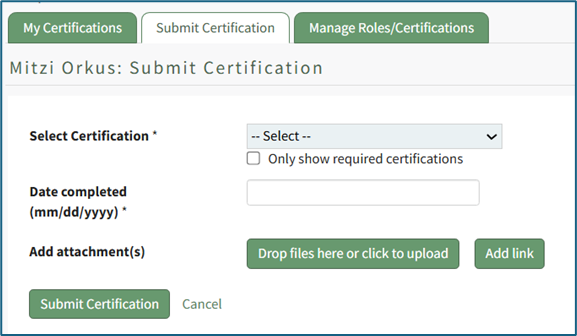
To submit a certification, select the certification to be submitted from the dropdown list. The “Only show required certifications” checkbox can be selected for ease.
Placing the cursor in the Date completed textbox opens a calendar modal allowing a user to select the certification completion date. The date can also be entered manually in MM/DD/YYYY format.
Add attachments by selecting the “Drop Files Here or Click to Upload” button.
Add a link by selecting the “Add Link” button.
Select the “Submit Certification” button to submit or “Cancel” to return to the My Certifications tab on the My Account Page.
No comments to display
No comments to display