
Edit Permissions for System User Account Information Fields
To edit the permissions associated with system user account information fields, open the Account Fields Tab in the Site Settings Module from the Main Menu.
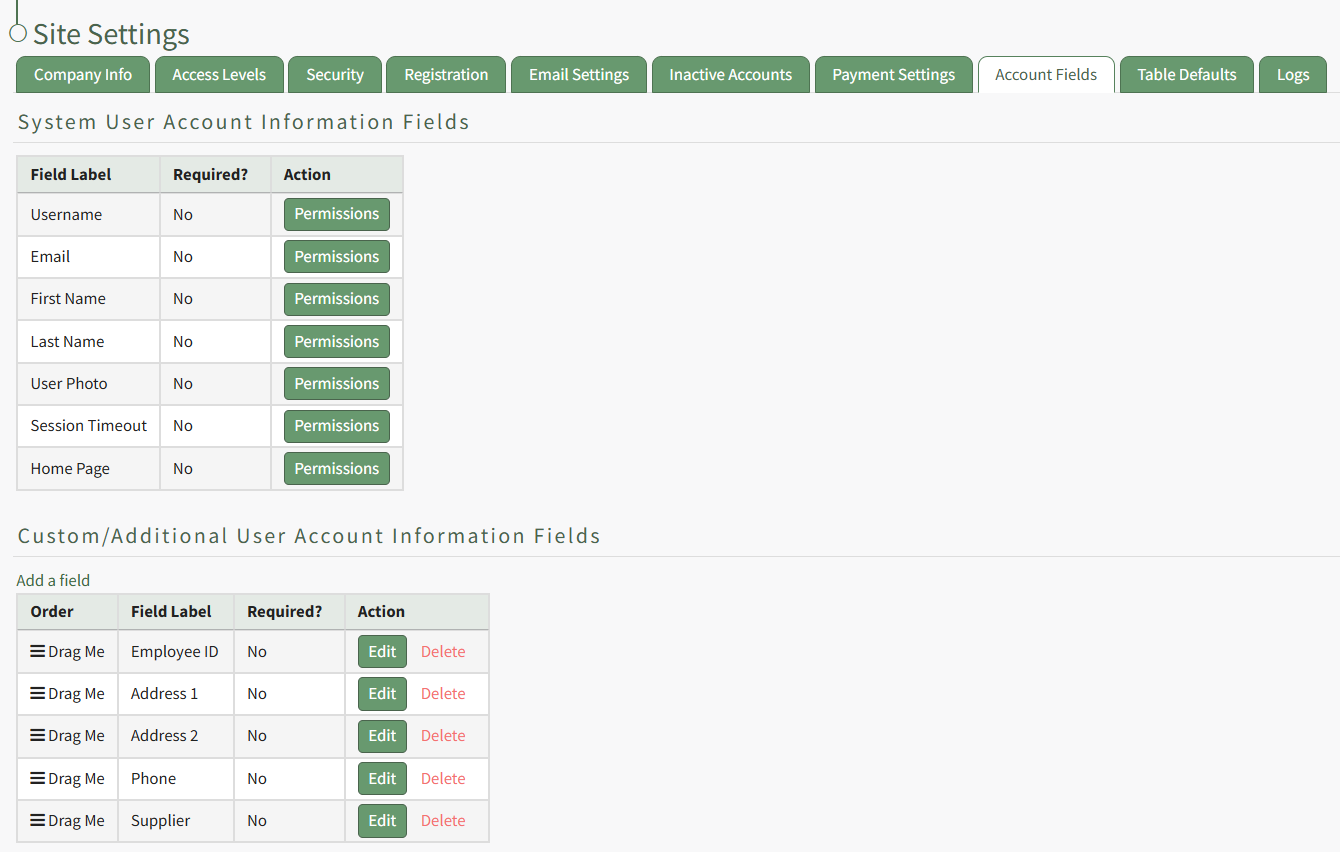
System User Account Information Fields are displayed in the first table. Select the Permissions button in the Action column opening the Edit Field Restrictions Modal.
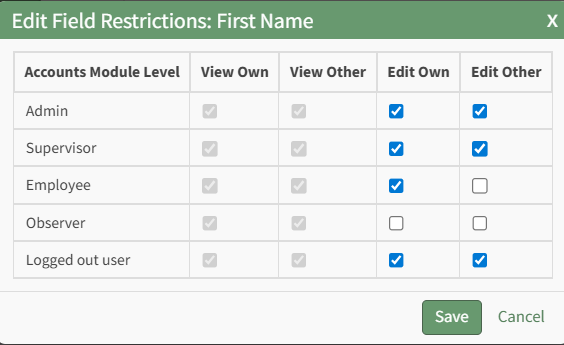
Selecting a checkbox will give permission to the module level. Deselecting the checkbox will remove the permission from the module level.
Select the Save button and return to the Account Fields Tab.
No comments to display
No comments to display