
Export User Certifications
User certification completion and expiration data can be exported from KAStrack into a CSV file.
Select the Users Page in the People Module from the Main Menu to open the Users Table. Click the three-dot icon to the right of the header to open the Users Page Context Menu and select “Export User Certifications”.
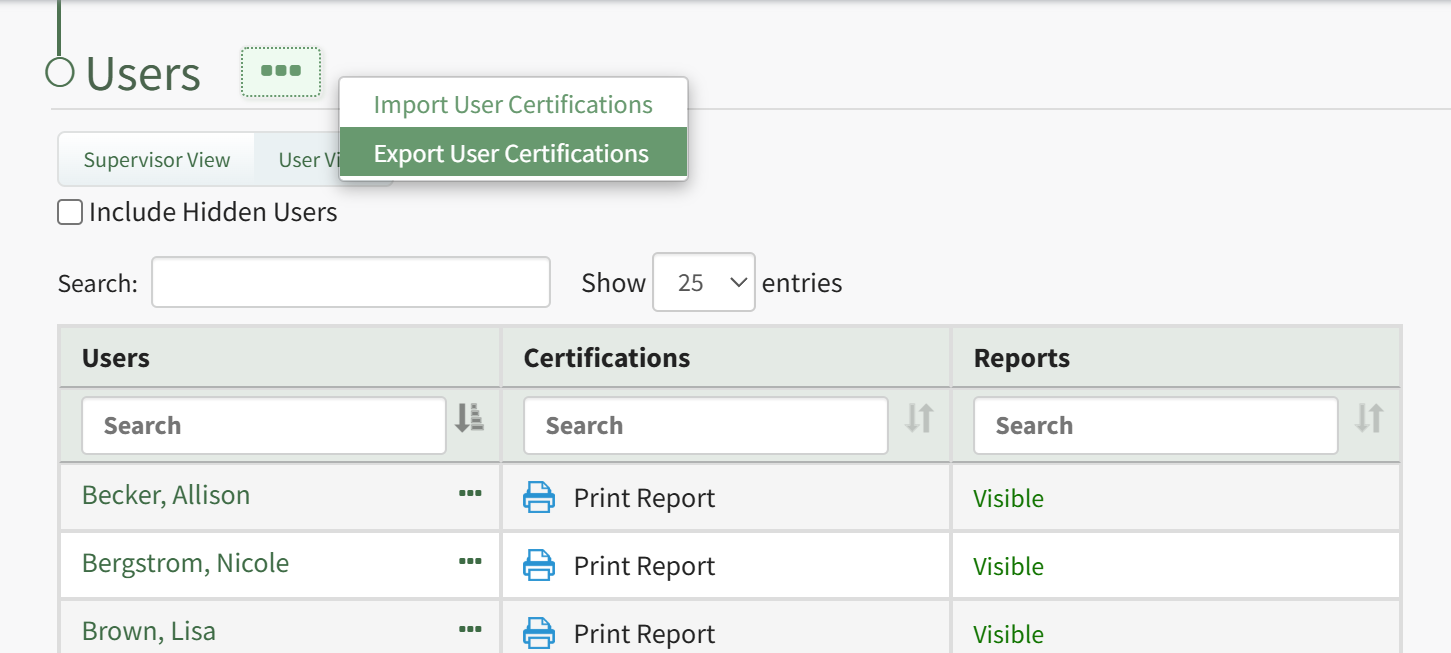
This opens the Export User Certifications Modal.
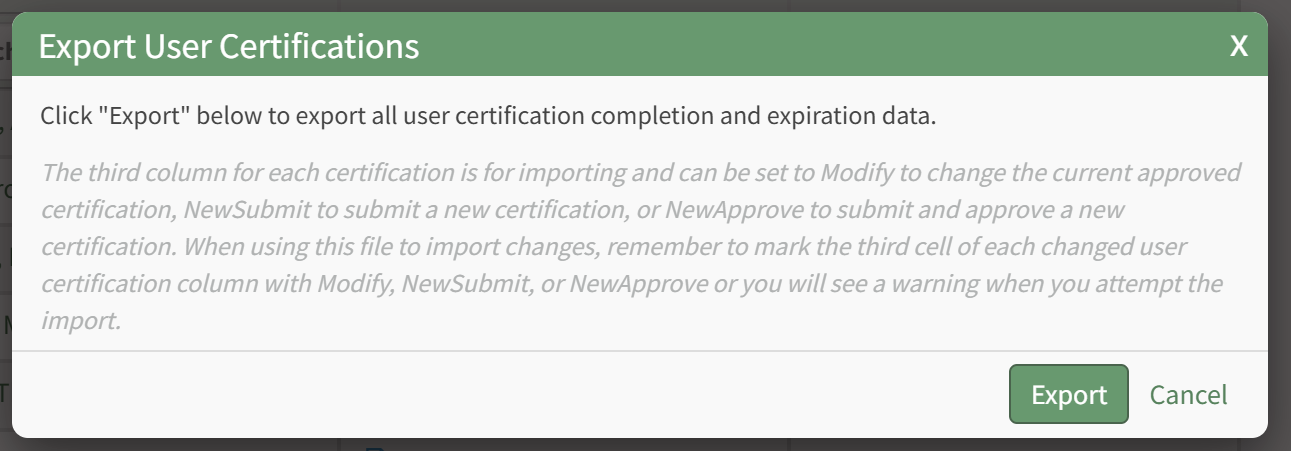
Select the “Export” button to download a CSV file into your device’s Downloads folder that contains all data pertaining to users' certification completions and expiration dates.
No comments to display
No comments to display