
Edit the Title of a Folder
To edit the title of a folder in the Documents Module, open the Documents Home Page from the Main Menu and navigate the repository to the folder whose title you wish to edit. Select the vertical three-dot icon to the right of the folder and select the Properties option.

This opens the Folder Properties Modal.
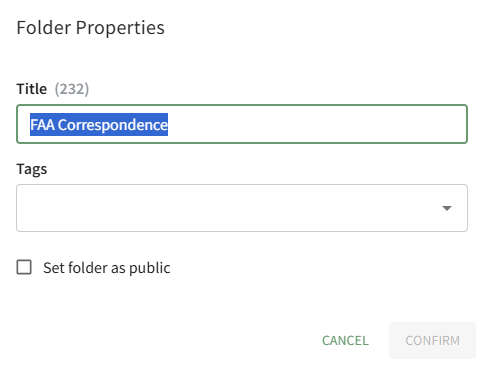
Alter the folder title as desired and select the Confirm button. Your change will now be reflected on the Home Page.
No comments to display
No comments to display