
Delete a File From the File Library
To delete a file from the Asset Module's File Library, select the Files Page in the Assets Module on the Main Menu. Click the three-dot icon to the right of the file you wish to delete from the File Library Table to open the Files Context Menu.
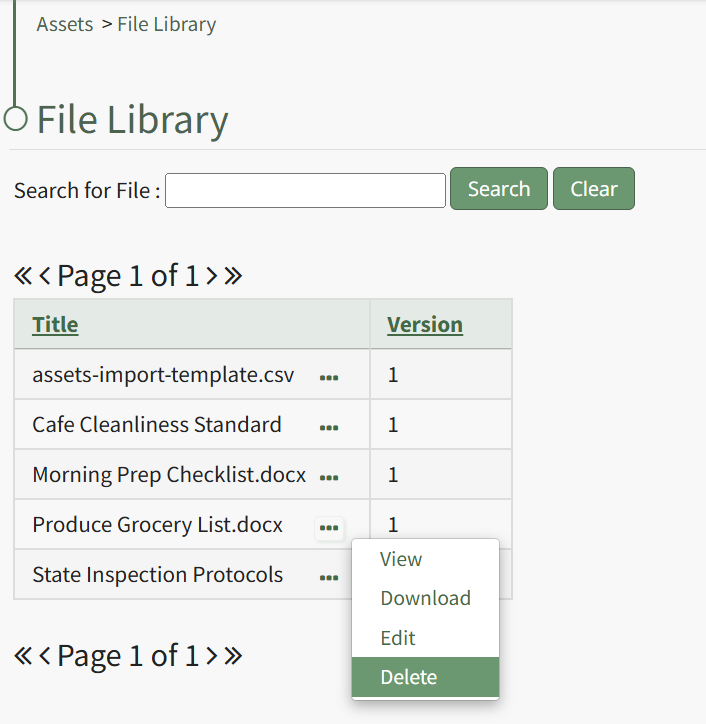
Select "Delete" from the context menu opening a Delete File Confirmation Modal which states, "Please confirm that you wish to delete this file."
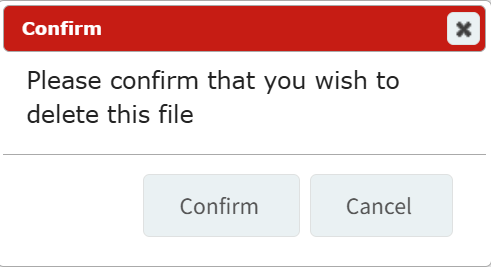
Click the "Confirm" button and a pop up will confirm that the file has been deleted.
A file cannot be deleted unless it is not referenced by anything.
No comments to display
No comments to display