
Update Waypoint Arrival/Departure Status
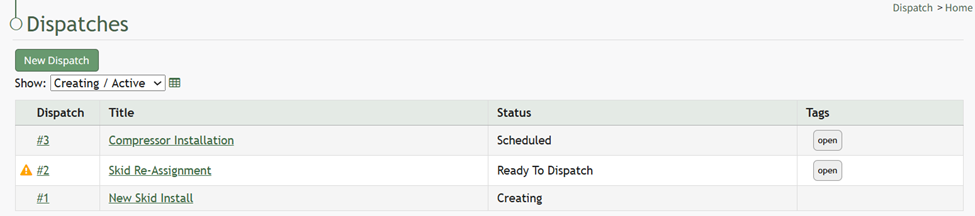
To update a waypoint with actual arrival/ departure data, go to the Home Page of the Dispatch Module. Click the ID or Title of the specific dispatch you need to indicate an incident for.
This opens this dispatch details page.
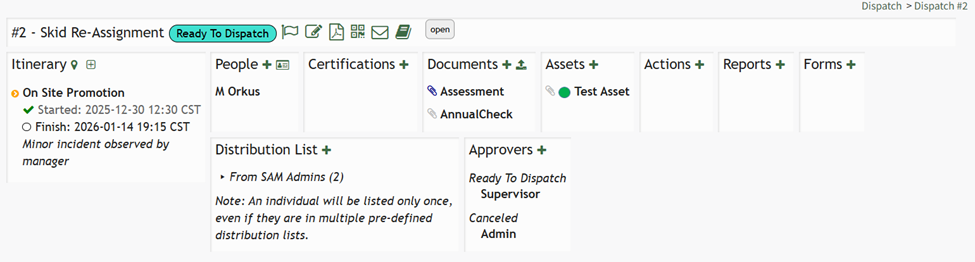
Select the flag icon on the header row to open the Update Itinerary Modal.
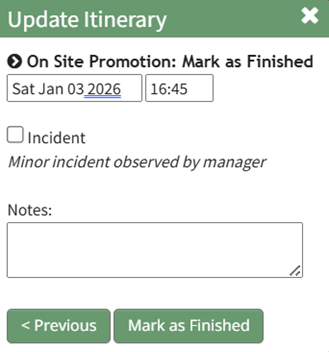
The current time/date are automatically input into the modal but can be edited if needed. Incidents and notes can be included.
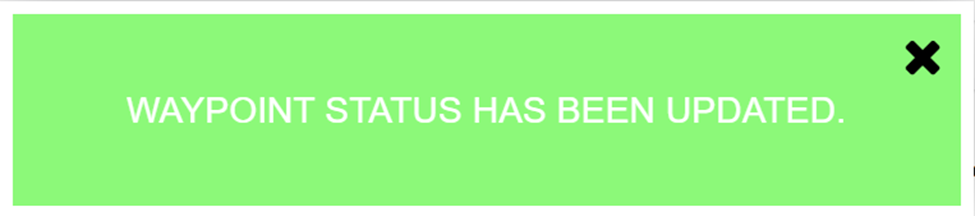
Select the “Mark as Finished” modal and a confirmation pop up states, “Waypoint status has been updated."
No comments to display
No comments to display