
Approve Multiple Certifications Submitted for Approval by a Specific User
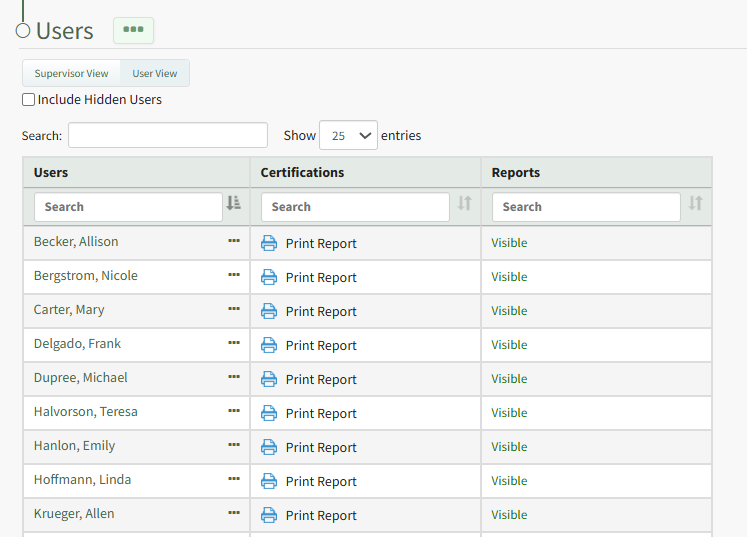
To easily approve multiple certifications that have been submitted for a specific user, open the Users Page in the People Module from the Main Menu. Click the name of the individual in the Users column whose certifications you want to approve.
This opens the user's Certifications Details Page. Certifications pending approval are displayed in the Certification Submitted for Approval Section.
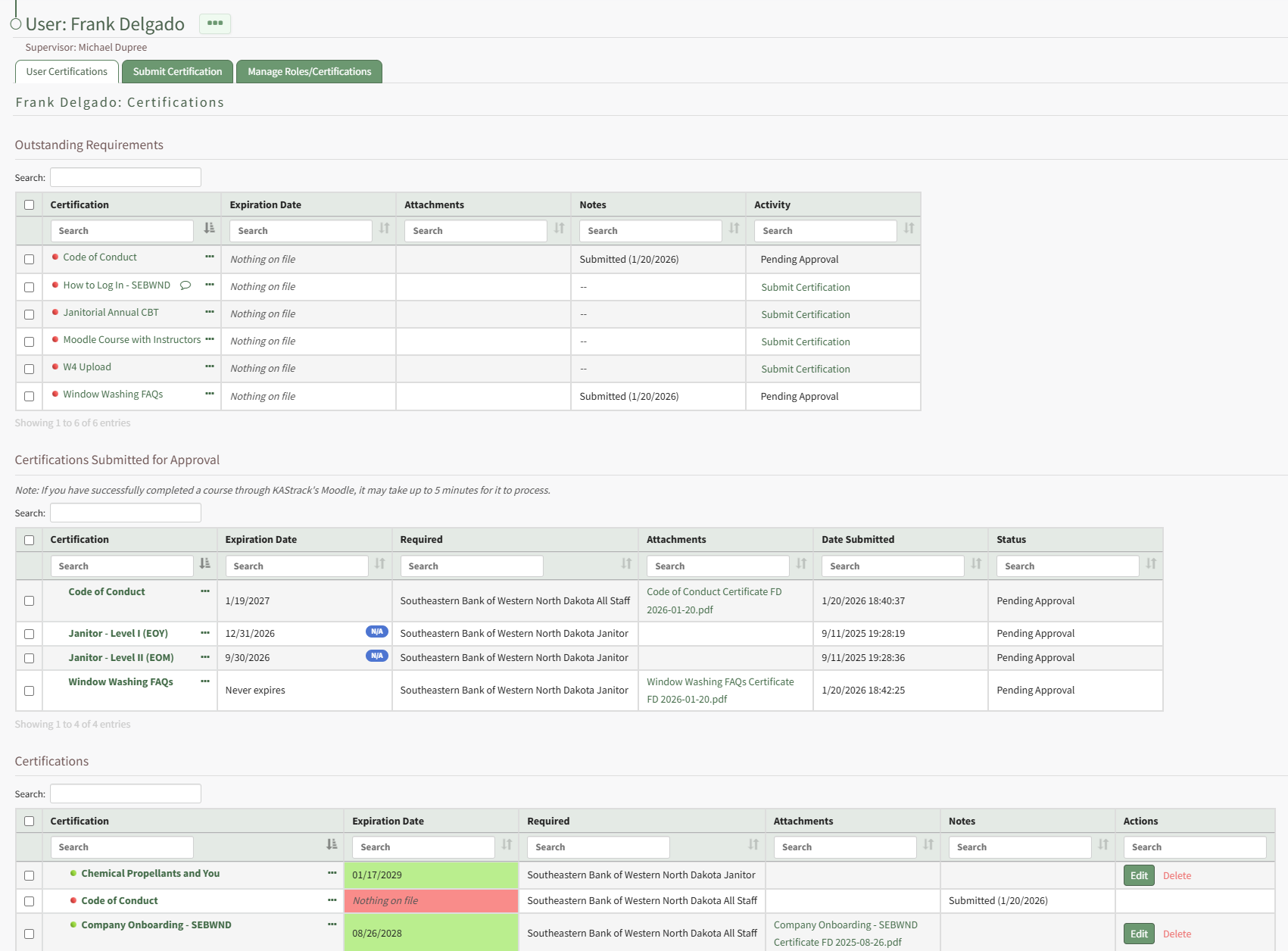
Clicking the three-dot icon to the right of the certification name in the Submitted Certifications Table opens a context menu with an option to Approve.
No comments to display
No comments to display