
Convert a Database to a Form
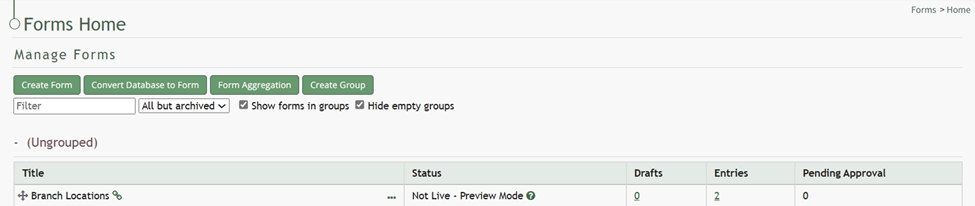
To convert a database to a form, go to the Home Page of the Forms Module. Select the “Convert Database to Form” button beneath the Manage Forms header.
When you convert a database to a form, the database will no longer be available in the Database Module and cannot be converted back to its original database form.

This will open the Convert Database to Form Modal.
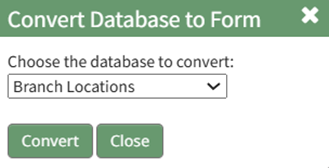
All available databases will in a dropdown menu. Select the database you wish to convert to a form and click the “Convert” button. A confirmation modal will appear stating, “The database has been converted.”

The original database will now show as a form in the Forms Table on the Home Page.
No comments to display
No comments to display