
Delete a Certification that is Pending Approval
To delete a certification that is pending approval, open the Pending Approvals Tab on the Submissions Page of the Main Menu.
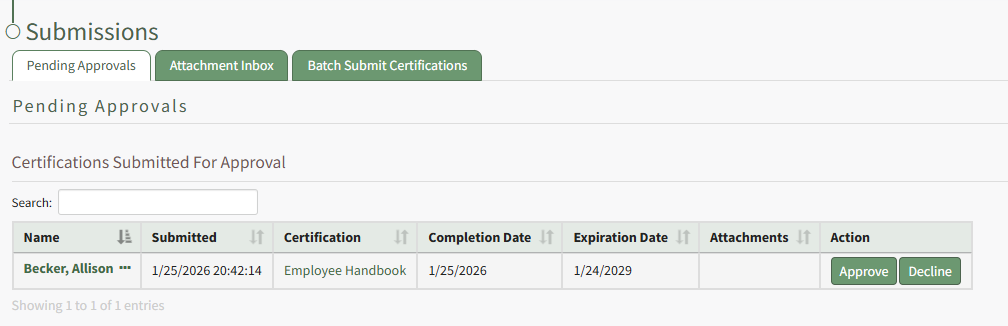
Click the three-dot icon to the right of the user's name in the Submitted Certifications Table opening a context menu.
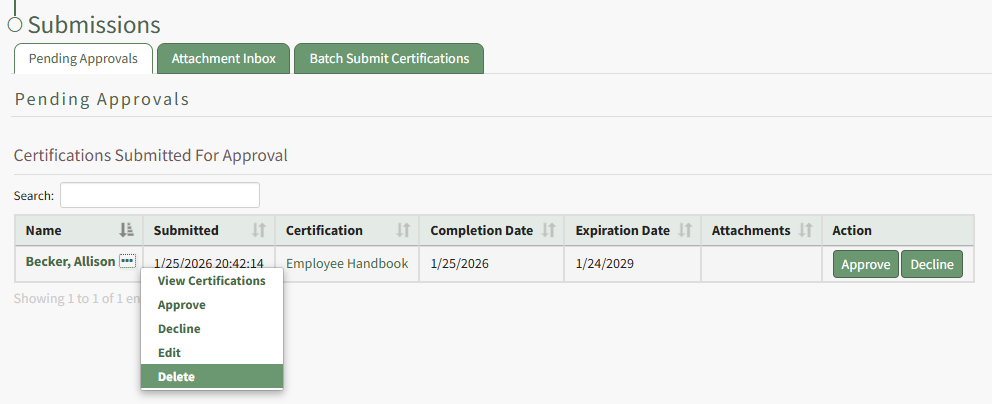
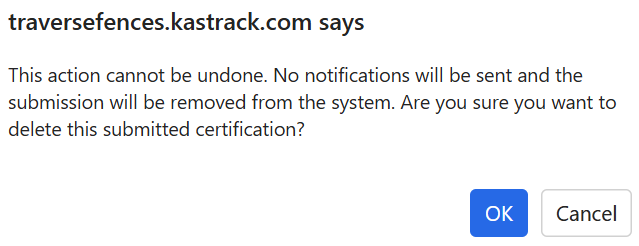
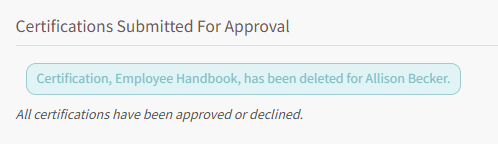
Select Delete opening a Deletion Confirmation Modal which states, "This action cannot be undone. No notifications will be sent and the submission will be removed from the system. Are you sure you want to delete this submitted certification?"
No comments to display
No comments to display