
Delete a Database
To delete a database, go to the Home Page in the Database Module.
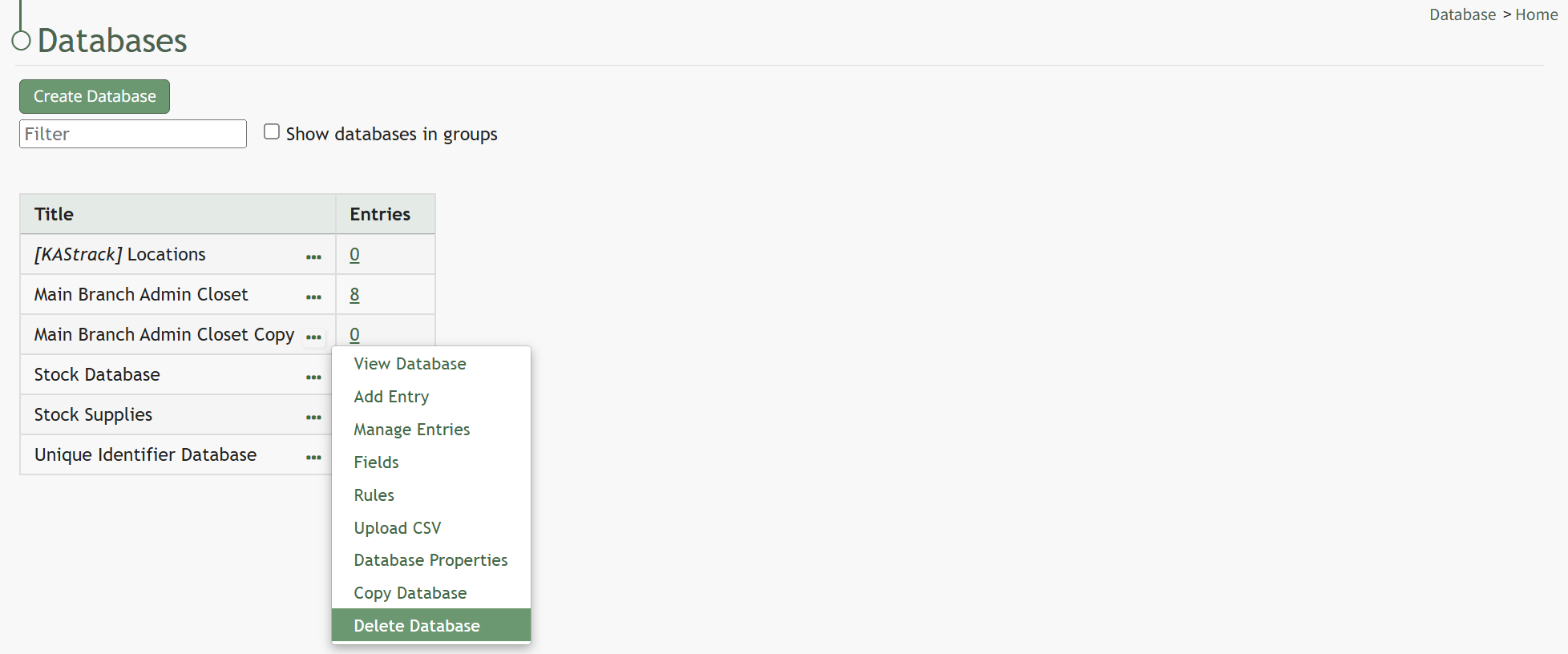
Click the three dot (…) icon to the right of the database you want to delete to open the context menu. Select “Delete Database” opening the Delete Database Confirmation Modal.
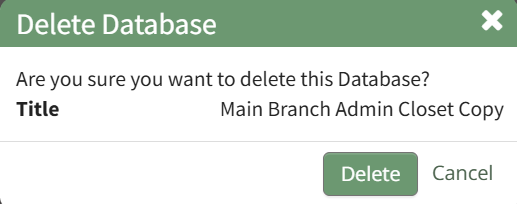
Confirm you wish to delete the database by clicking the “Delete” button.

A popup will briefly appear, confirming that the database has been deleted.
Selecting “Cancel” will return you to the Databases Home Page without any alterations being made.
No comments to display
No comments to display