
Create a New Company
Select the Companies Page in the People Module of the Main Menu. Open the Create Company Tab.
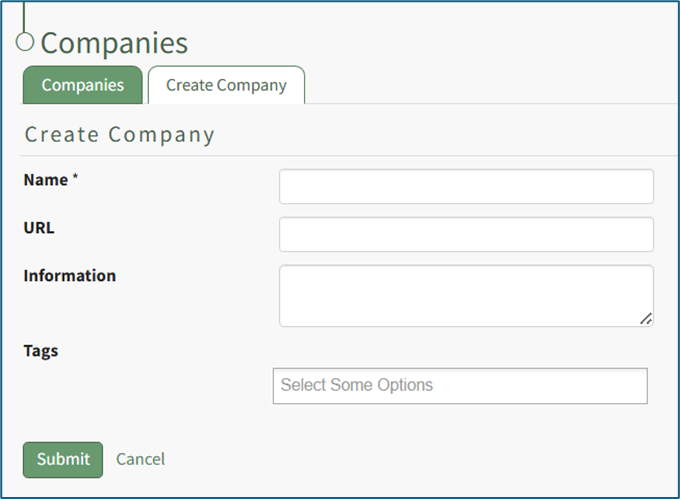
Input the new Company name (required), an associated URL, and any descriptive information you wish to be included on the Company: (Company Name) Page.
A URL entered here will be visible on the Companies Table on the main Companies Page relative to this company. If this company has an external website / homepage, it could be listed here.
Companies can be tagged for filtering purposes; however, Companies currently do not honor the permissions for Permissive and Restrictive tags, and will instead behave as if they’ve been tagged with Open tags.
Select the “Submit” button to save the information. The new company is now visible on the Companies Tab.
No comments to display
No comments to display