
Clear a PDF Cache
To clear the PDF cache, go to the Home Page of the Forms Module. Click the three-dot icon to the right of the form title opening the Forms Table context menu. Select “Clear PDF Cache”.
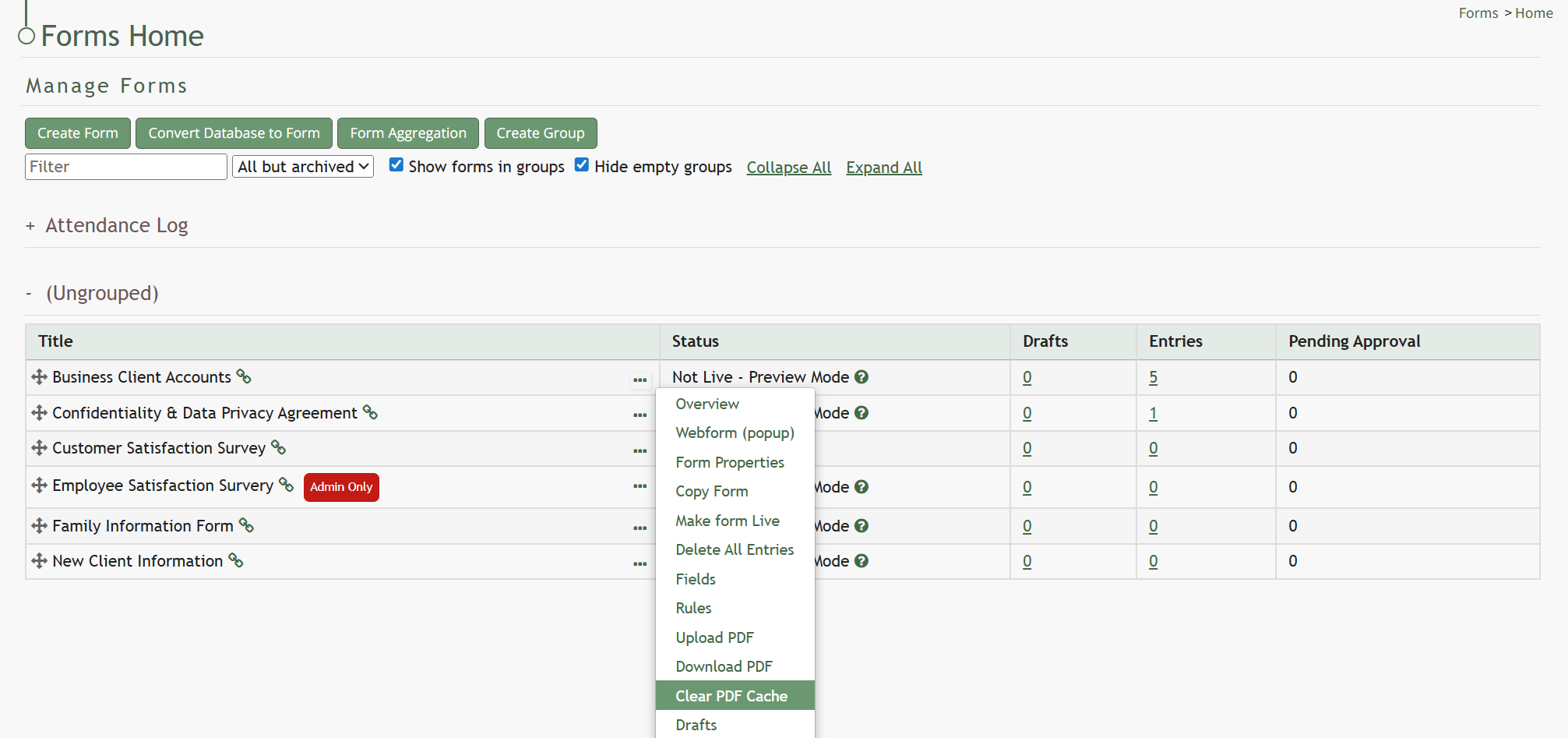
This opens the Clear PDF Cache Modal.
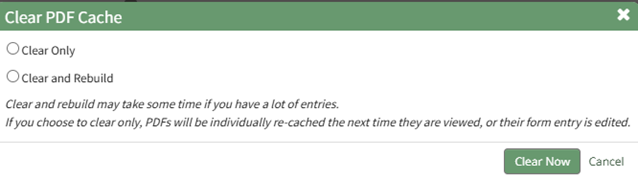
Select between two options: “Clear Only” or “Clear and Rebuild”.
If you choose to clear and rebuild, the process can take time to complete if you have a lot of entries.
Select “Clear Now” and a confirmation modal will appear stating, “The cache has been cleared.”

No comments to display
No comments to display