
Include Document Attachments in Dispatch Orders
To include a document attachment with the Dispatch Order, go to the Home Page of the Dispatch Module. Click the ID or Title of the specific dispatch with the attachment you wish to delete.

This opens the Dispatch Details Page.

Click the gray paperclip to the left of the document name changing the paperclip color to dark blue.
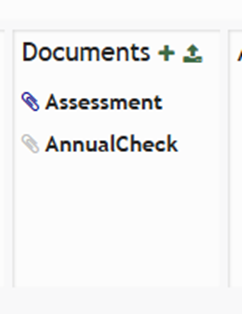
The selected file will now be included in the Dispatch Order.
No comments to display
No comments to display