
Download QR Code Hits Data in a CSV File
To download the number of hits associated with a QR Code in a CSV file, open the QR Page in the Communications Module from the Main Menu.
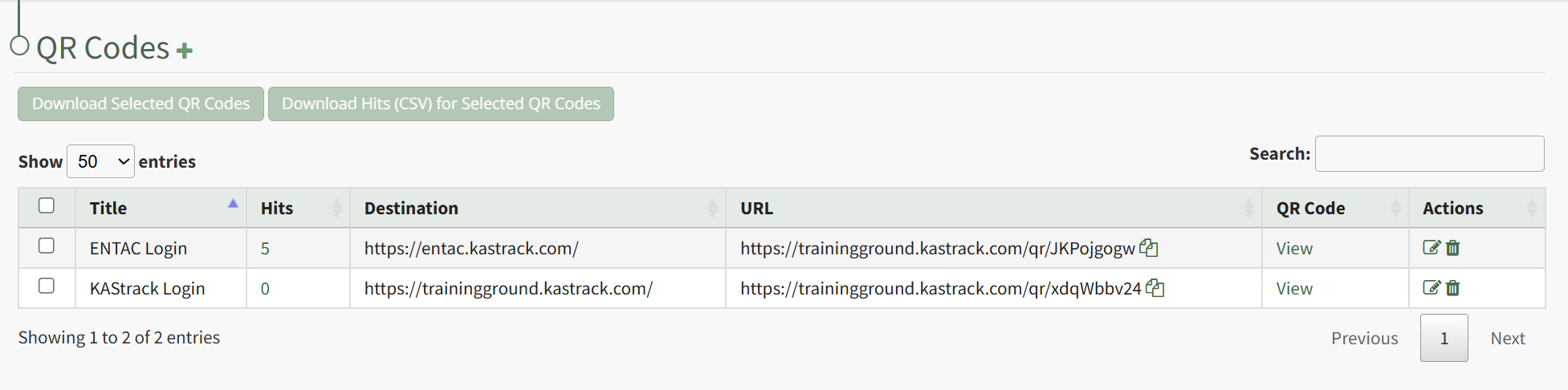
Click the checkboxes to the right of the QR Codes you wish to download hit data for or click the checkbox in the top header row to download data for all QR Codes.
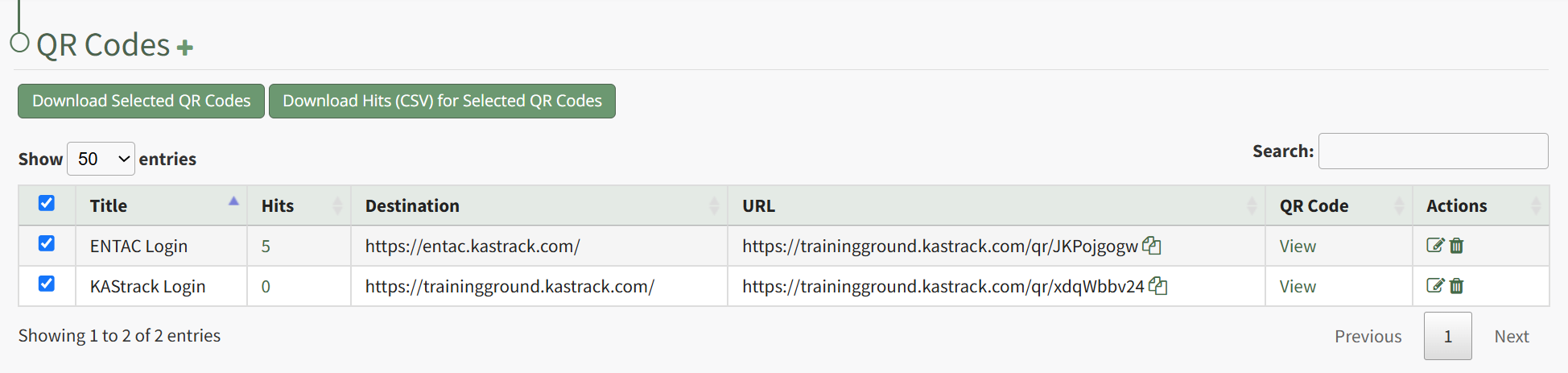
After selecting the desired checkboxes, click the "Download Hits (CSV) for Selected QR Codes" button.

The .csv file will automatically download to your personal device.
No comments to display
No comments to display