
Edit the Date / Time of Task Completion for Historical Tasks
To edit the date/time of task completion for historical task records, open the relevant asset's History Page.
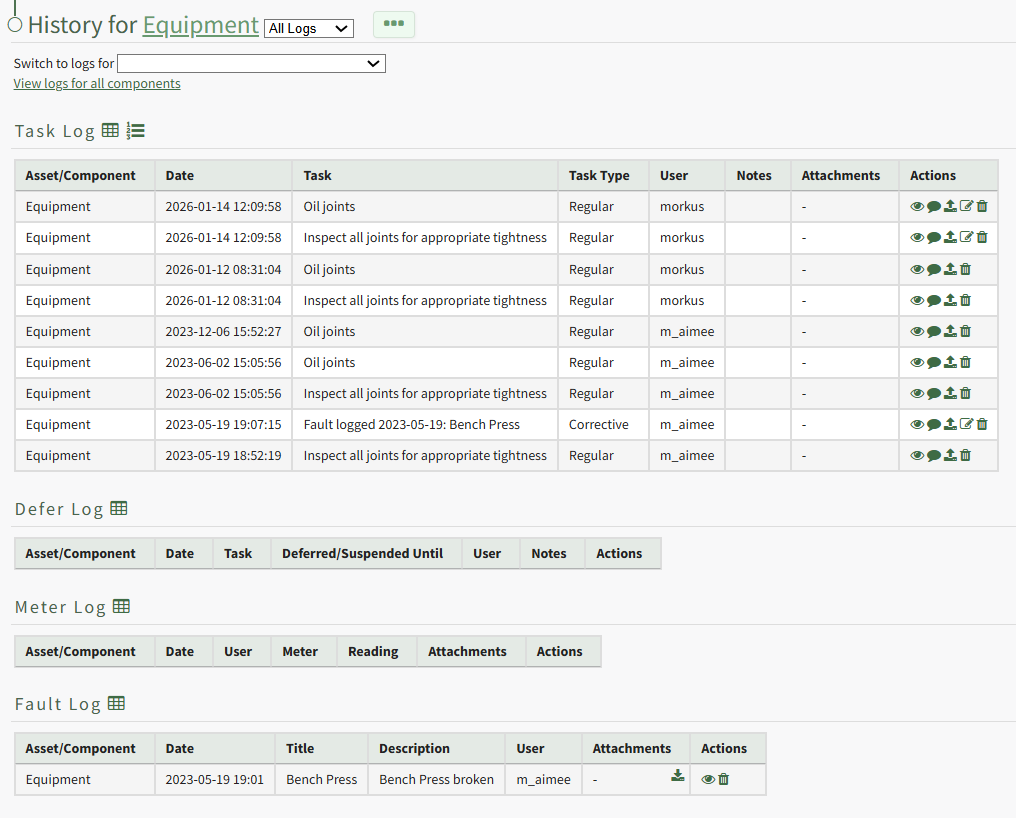
Select the paper pencil icon in the Actions Column to the right of the historical task record you wish to edit.
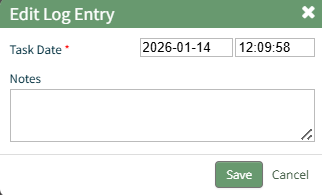
This opens the Edit Log Entry Modal where the date and time can be edited and additional notes can be included.
Select "Save" and the system returns you to the asset's History Page.
No comments to display
No comments to display