
Review New File Revisions when Notified
To review new revisions of an existing file in the Documents Module, open the Documents Review Page from the Main Menu and open the Notifications Tab.
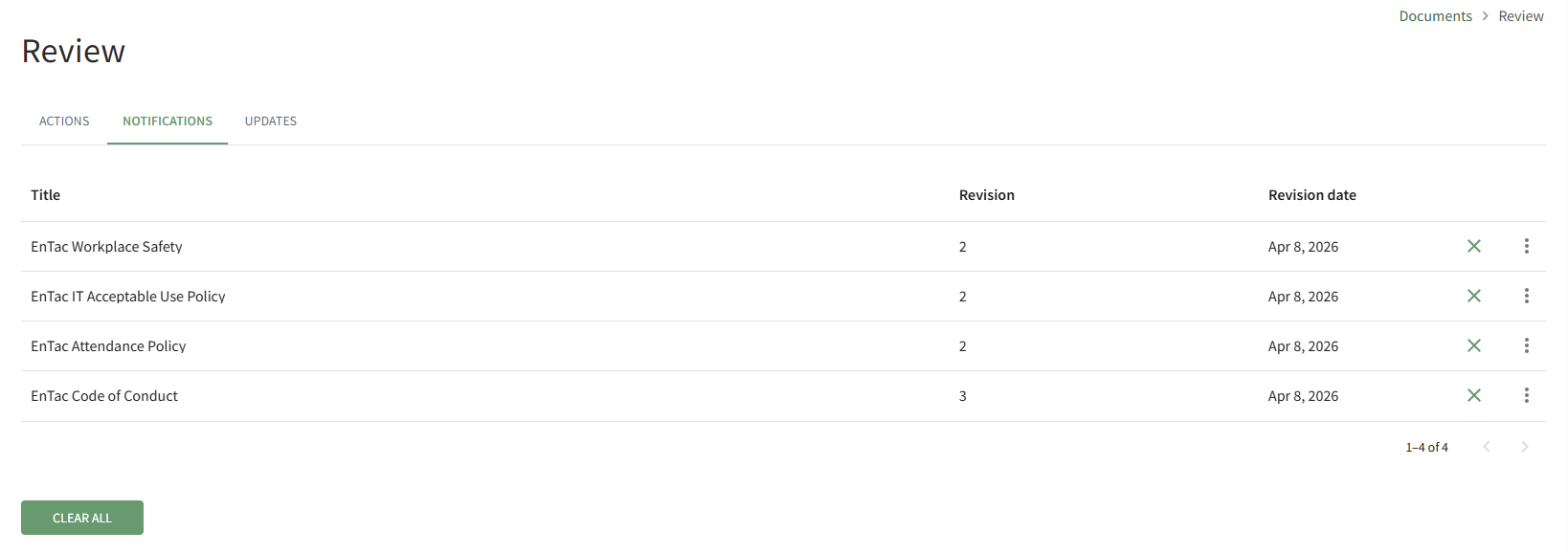
You can click the X icon to the right of the file you received notification of to clear it individually, or you can elect to click the Clear All button and clear all documents from the Notifications Tab at once.
No comments to display
No comments to display