
View a Manufacturer's Key Information
To view the relevant information associated with a manufacturer, go to the Manufacturers Tab on the Settings Page of the Assets Module. Click the three-dot icon to the right of the manufacturer whose key information you wish to view. This opens the Manufacturers Context Menu.
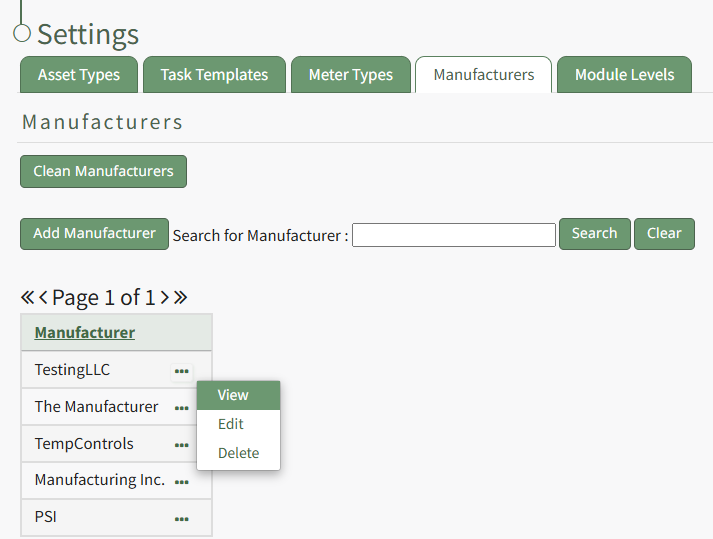
Select "View" from the context menu opening the Manufacturer Modal. Any assets, task templates, or files associated with the manufacturer will show on this modal.
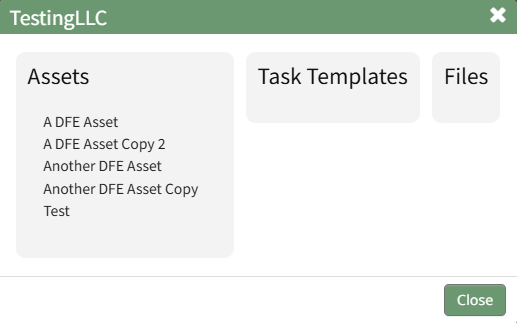
The Manufacturer Modal is read-only.
Select "Close" to return to the Manufacturers Tab on the Settings Page.
No comments to display
No comments to display