
Change the Status of a Meter Type
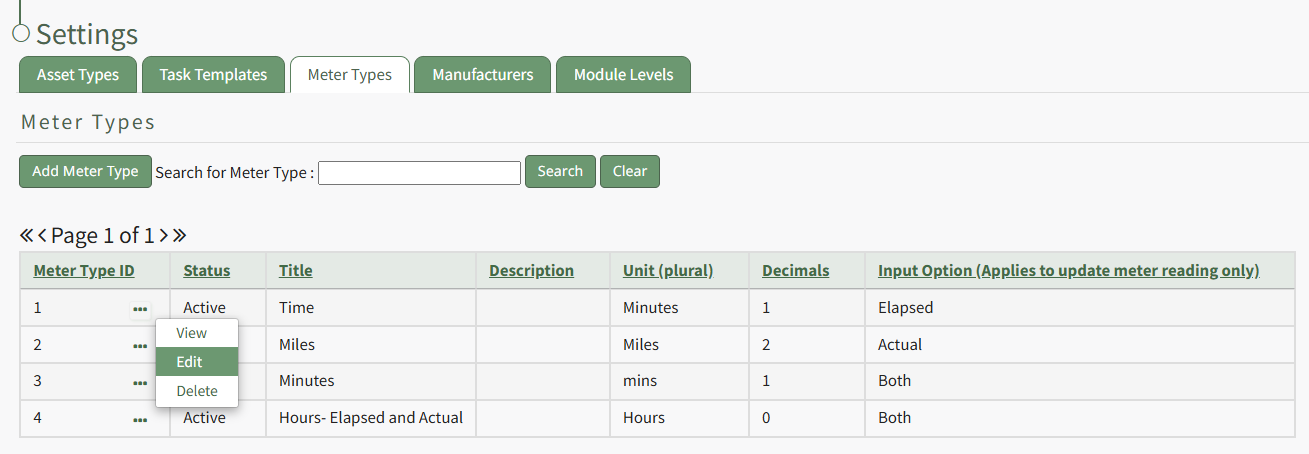
To change the status of a meter type, go to the Meter Types Tab on the Settings Page of the Assets Module. Select the three-dot icon to the right of the meter type ID whose status you want to change opening the Meter Types Context Menu.
No comments to display
No comments to display