
Assign Permissions to a Custom Report
To assign permissions to a custom report, go to the Custom Reports Tab on the Manage Reports Page of the Reports Module. Select the three-dot icon to the right of the Report Title opening the context menu.
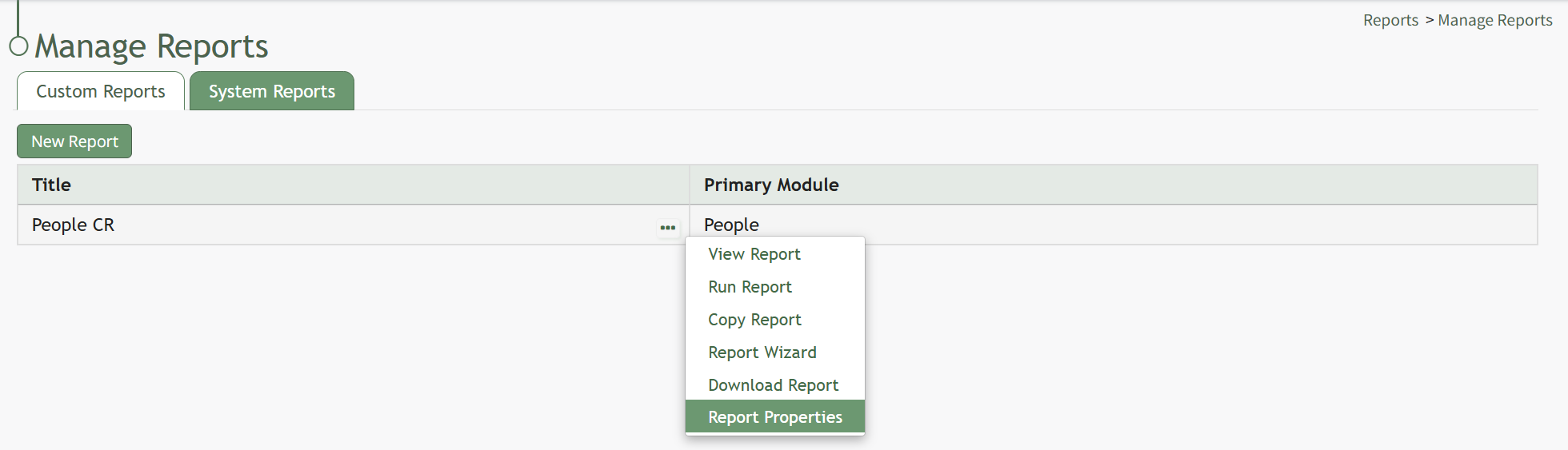
Select “Report Properties” opening the Edit Report Modal.
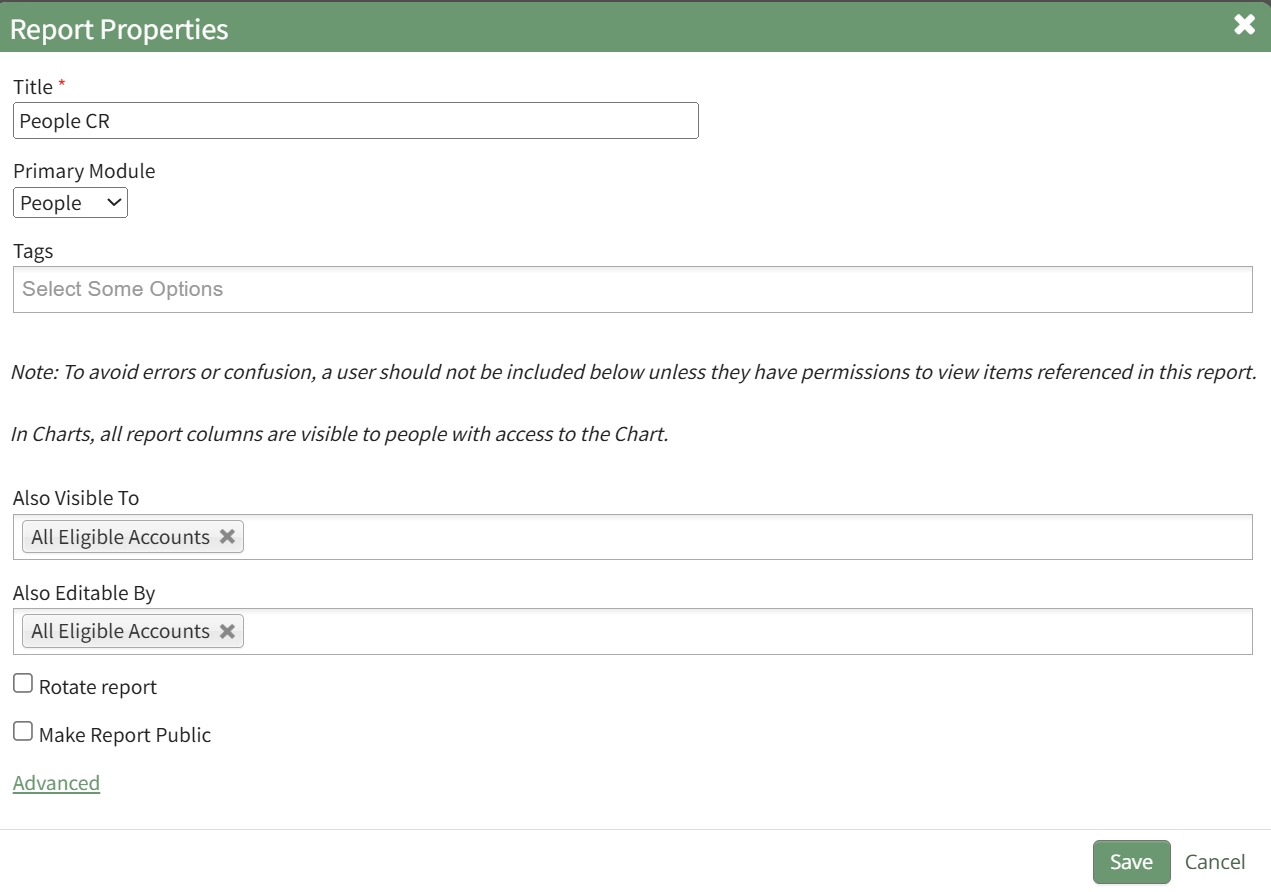
Permissions can be given for visibility through the “Also visible to” dropdown menu. Permissions for editing can be granted through the “Also editable by” dropdown menu. You can select individual names, certification roles, People I Supervise, or All Eligible Accounts for either option. Select “Save” and the visibility and editing permissions will now be effective.
Visibility restrictions applied to the report via Tags will be considered last when determining who the report is visible to.
No comments to display
No comments to display