
Add an Individual Form Entry
To add a form entry, go to the Home Page of the Form Module. Click the three dot icon to the right of the form you wish to add an entry to opening the context menu.
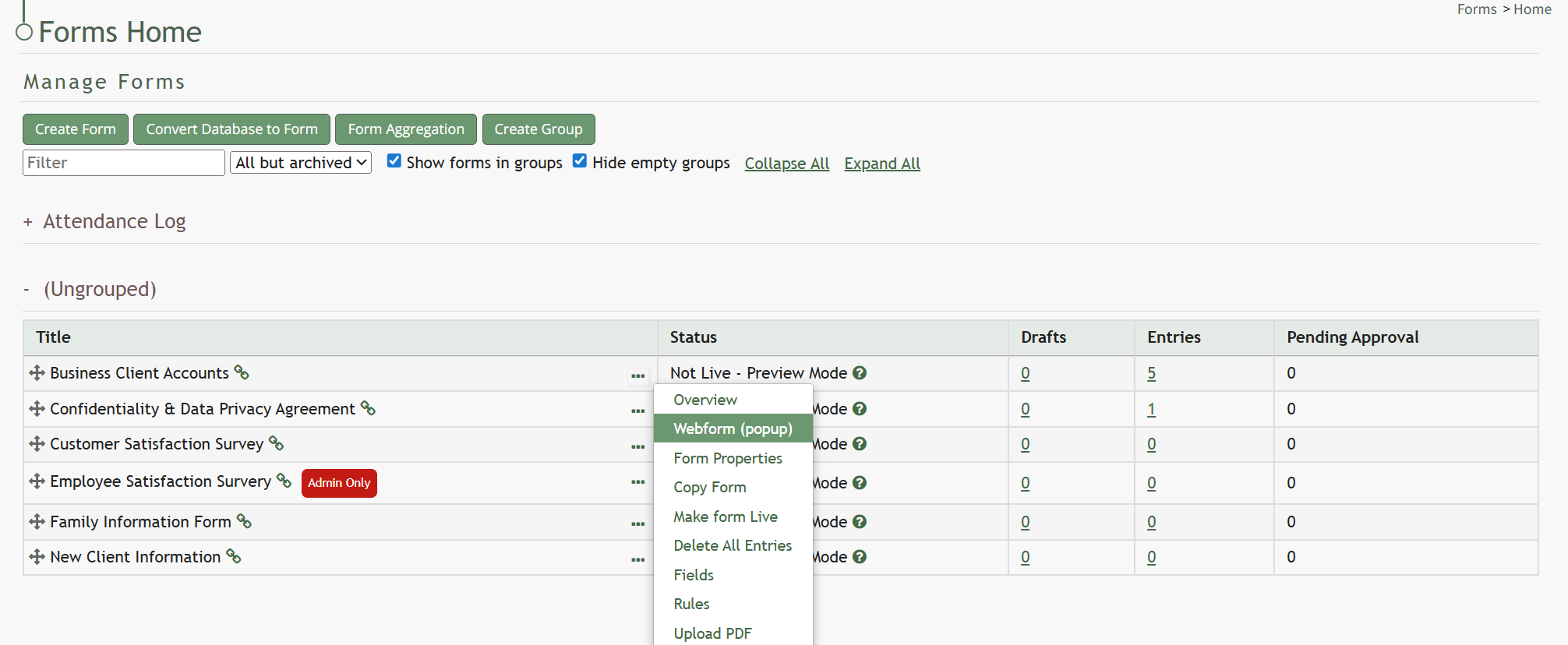
Select “Webform” to open a modal that displays the form fields.
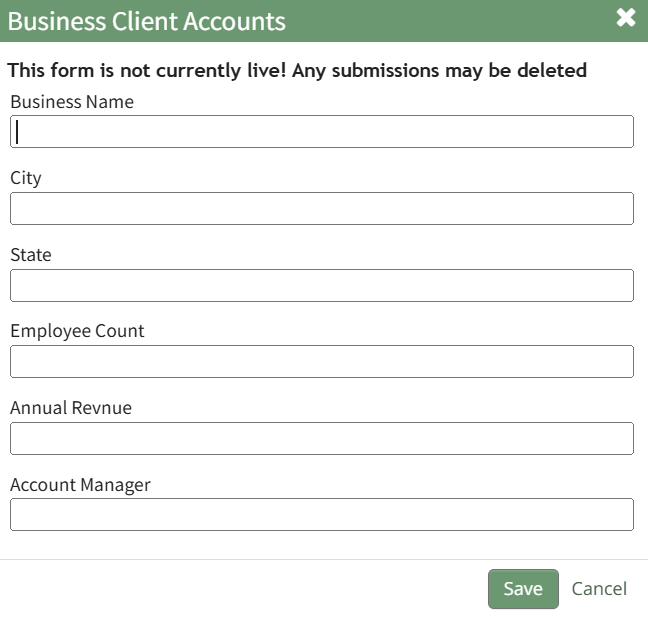
Input the data for each field for the new entry and select the “Save” button. You will return to the Forms Table on the Home Page.
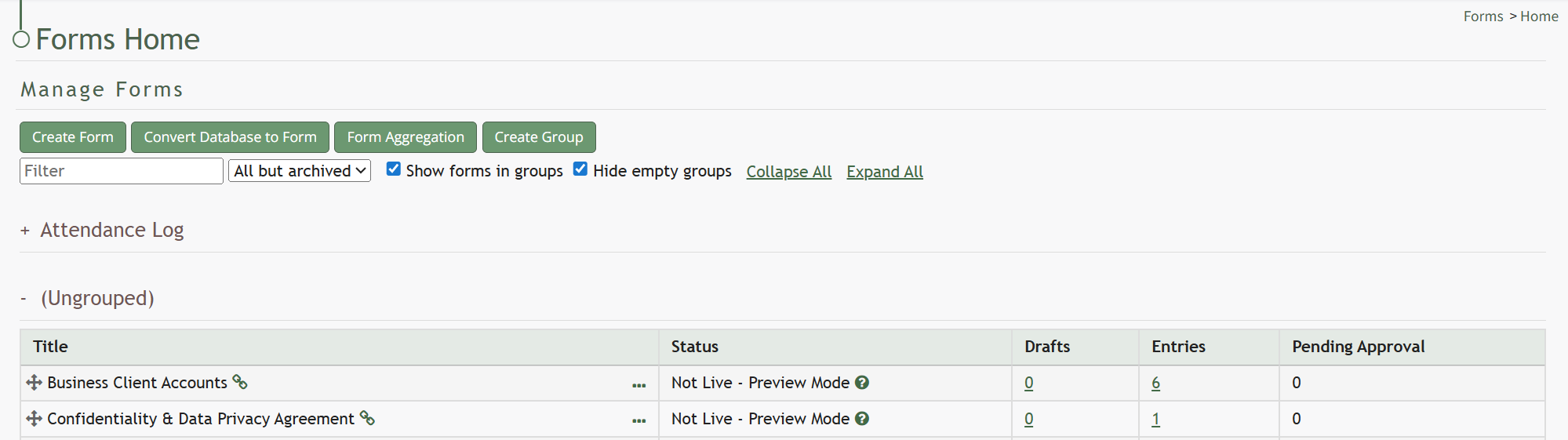
The new entry will be recorded, impacting the Entries Count displayed in the Forms Table.
No comments to display
No comments to display