
Affirm a Document/File's Suitability
To affirm a document/file for Continued Suitability, open the Actions Tab on the Review Page in the Documents Module from the Main Menu.
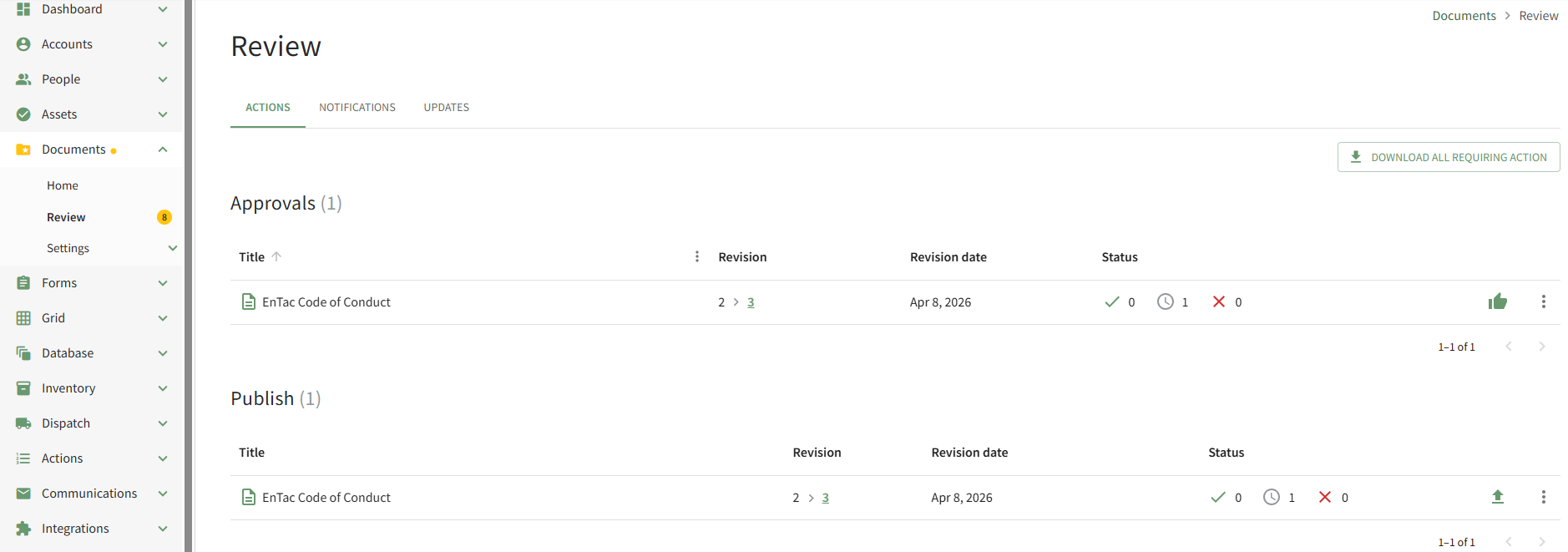
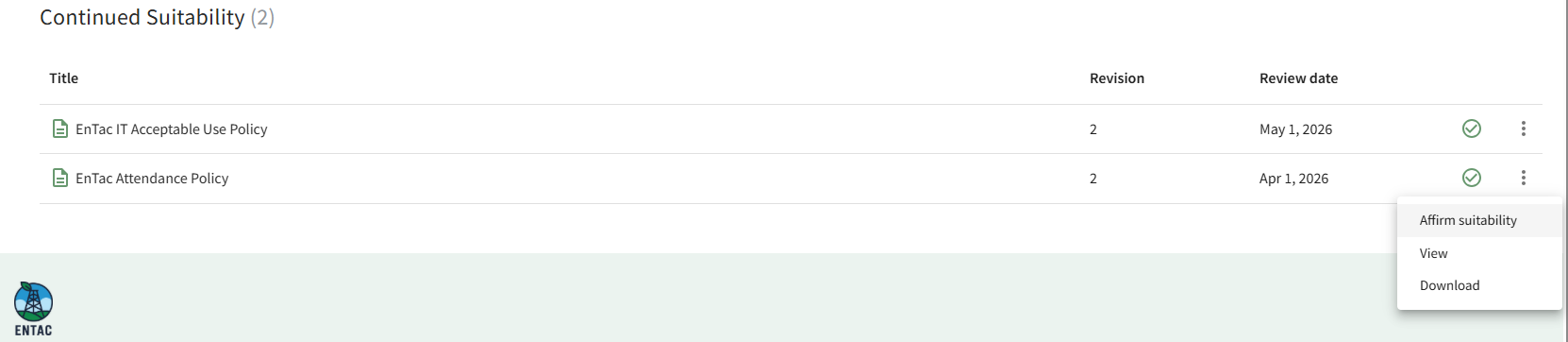
Scroll down to the Continued Suitability of the Actions Tab. Click the vertical three-dot icon to the right of the file to open the Continued Suitability Context Menu and select the Affirm Suitability option.
This opens the Affirm Suitability Modal which asks the user to confirm that the document continues to be suitable purpose.
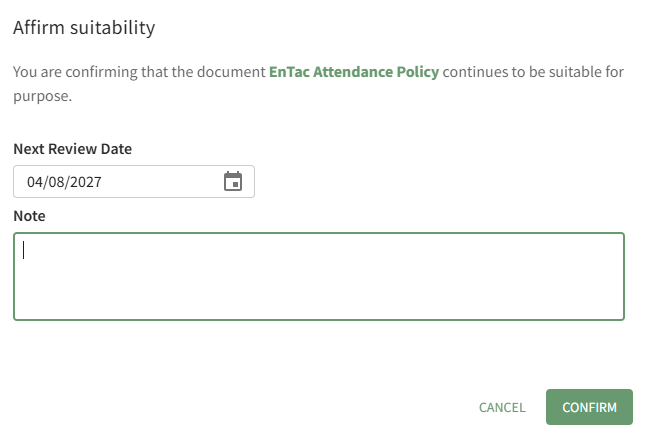
The Next Review Date is stated and can be edited from the modal. Comments can be entered in the Notes textbox.
Select the Confirm button.
The comments made when the document is affirmed can be seen on the History Tab of the file's Details Page.

No comments to display
No comments to display