
Edit Company Information
To edit company information (its name, URL link, Information, or tags), open the Companies Tab on the Companies Page in the People Module from the Main Menu.
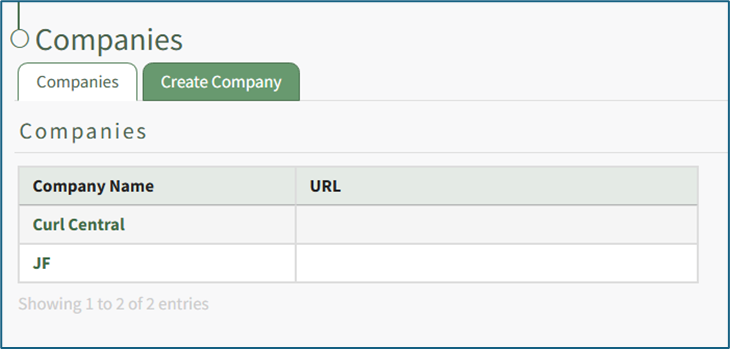
Clicking on the name of a Company will open the company's Detail Page that displays the Company Roles with their description.
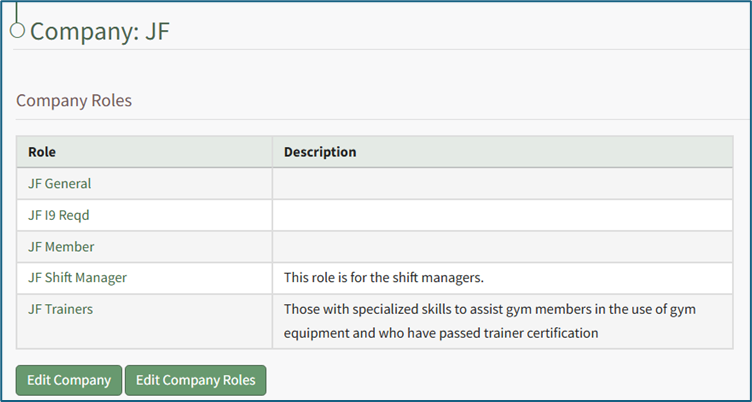
Select the “Edit Company” button to open the Edit Company: (Company Name) Page.
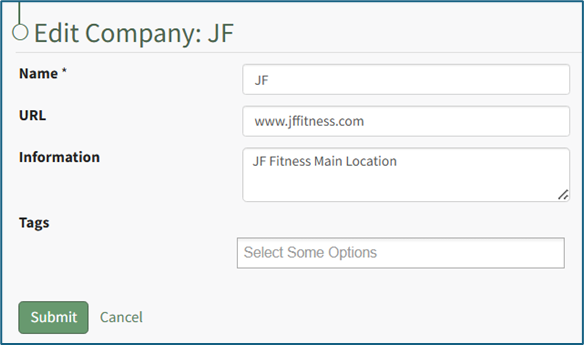
You can now make any desired changes to the Company Name, URL, Descriptive Information, or Tags.
Select “Submit” to save the changes and return to the company's Detail Page with the altered inputs now showing.
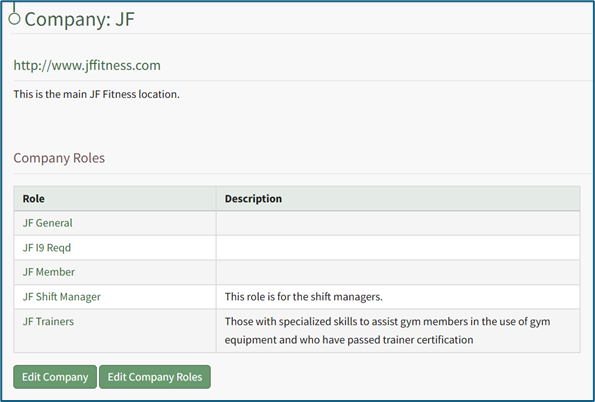
Click “Cancel” to return to the company's Detail Page without saving any changes.
No comments to display
No comments to display